A string of antique coin burglaries leads Forensics to an apartment tied to tenant Erik Bauer, though suspect Thomas Keller’s prints are the first lead investigators have to go on. This walkthrough covers finding every fingerprint across the apartment, decrypting the recovered smartphone and flash drive, cracking the safe’s hidden combination, and matching all eleven fingerprints against both suspects to close the Coin Trail case.
Related Guides:
Breaking and Entering
Shooting Mishap
Smash and Grab
Misfire and Misdirection
Whiskey and Gunfire at the Pool Bar
Coin Trail Evidence Overview
Evidence given:
Fingerprint (Thomas Keller)
Fingerprints (Erik Bauer)
Photos and Evidence at the Crime Scene:
11x Fingerprint (Unknown)
Password “1895#FD”
Password “T9v#2LpQ”
Password “872yhdb&^”
Password “Jq3$Bn8w”
Digital Device Smartphone – Korellia
Digital Device Flashdrive – DataVault
Web of Evidence Whiteboard Overview
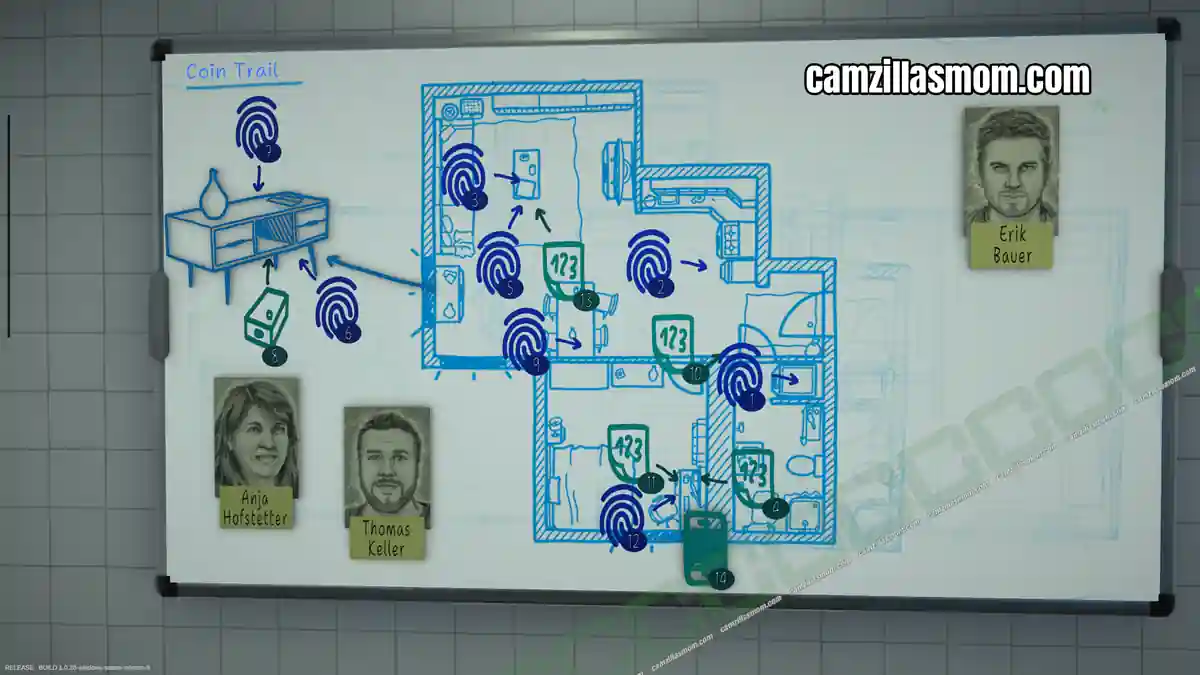
Evidence to send:
2x 11 Fingerprint Analysis
3x Digital Device Analysis
Briefing
Following a string of antique coin burglaries through the past month, investigators searched an apartment after the landlord, Frau Anja Hofstetter, granted entry. She reported suspicious activity, noting that someone frequently used the flat who was not the actual tenant, Erik Bauer. Investigators found some antique coins that might be related to the burglaries. A culprit description from one of the burglaries exists, but it has not matched anyone in databases or among known suspects. Erik Bauer, the official tenant, is currently not to be found.
Travel to the Crime Scene
The crime scene is a big apartment with lounge, kitchen, bathroom and bedroom.
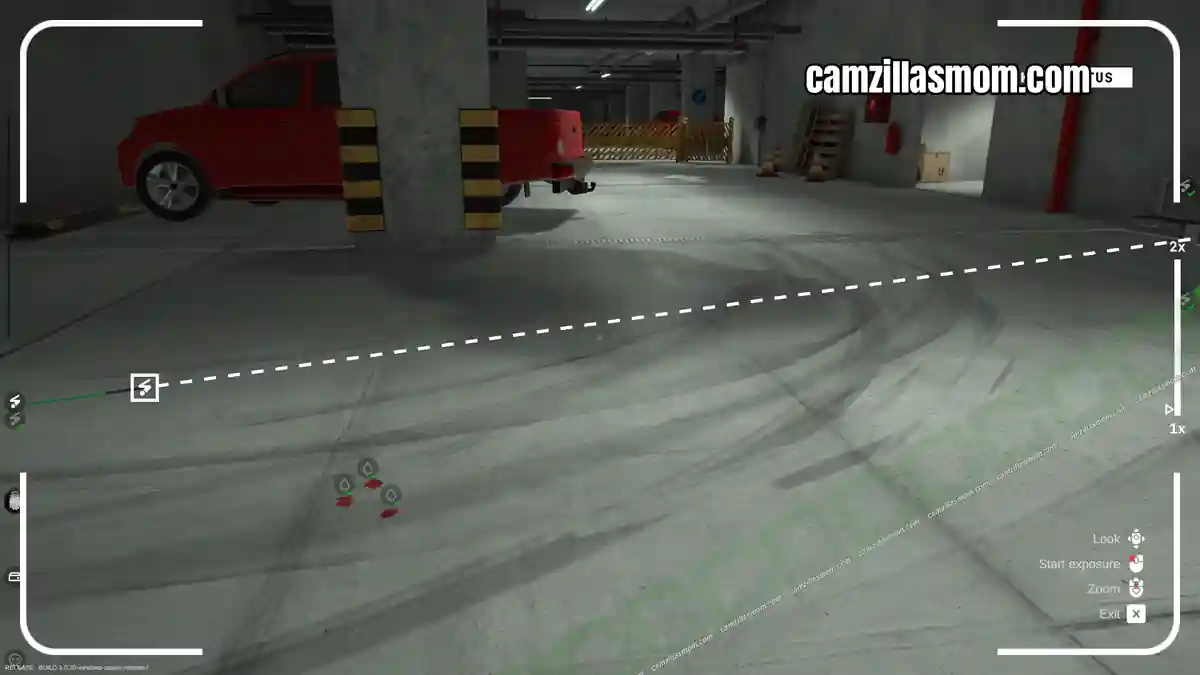
I first went through the apartment with the UV-light to highlight the fingerprints. Then, I picked up the evidence marker to label two items on the fridge: A fingerprint and a Post-It with a password.
There is also a fingerprint on top of the washing machine in the bathroom. Don’t let my numbers confuse you. The one on the washing machine is the hardest to find and took me ages. You have to “lean” up to see it.
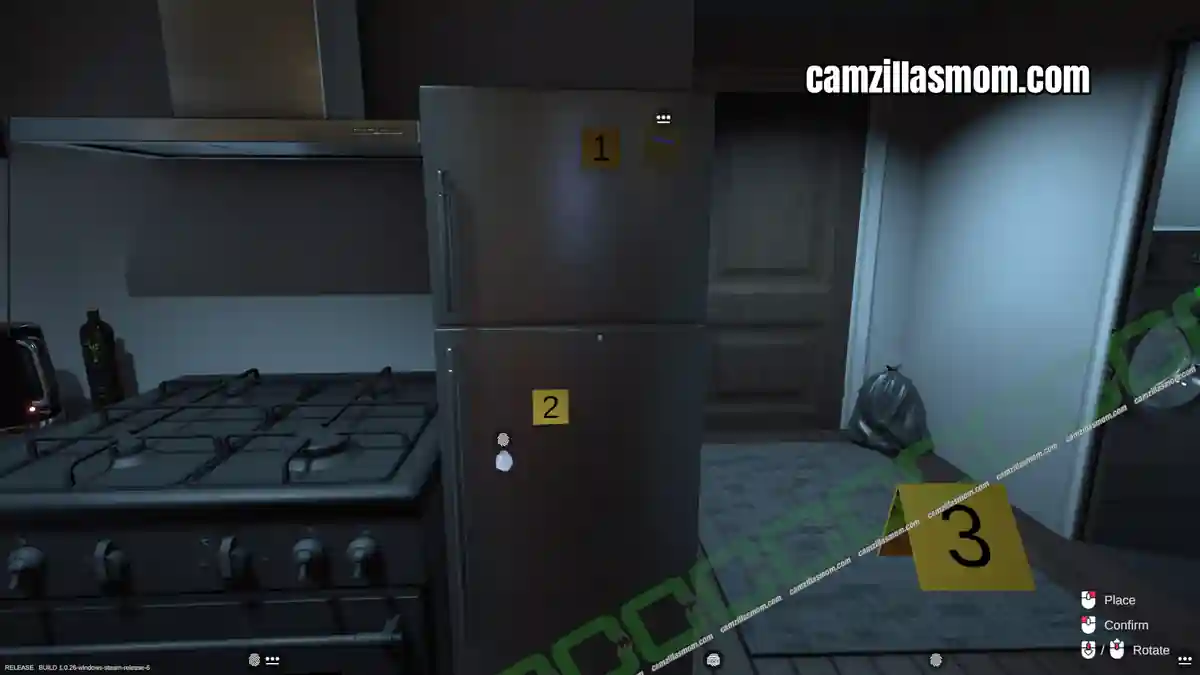
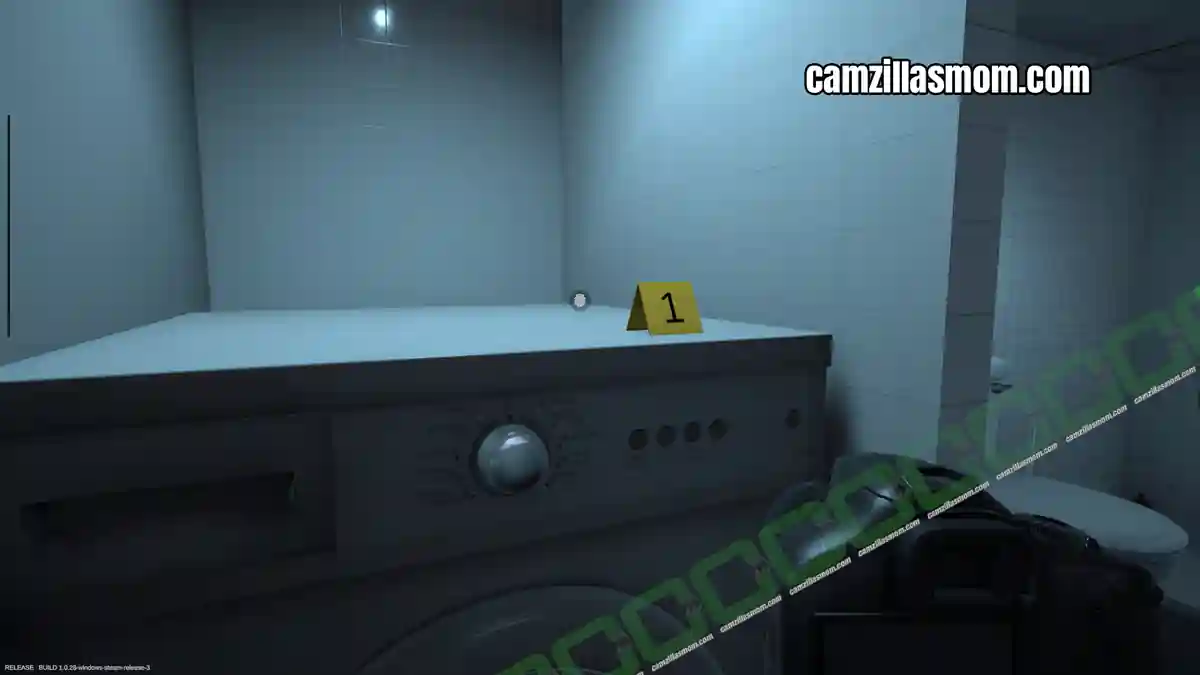
Evidence:
Password “1895#FD”
2x Fingerprint (Unknown)
Next is the fingerprint on the table.
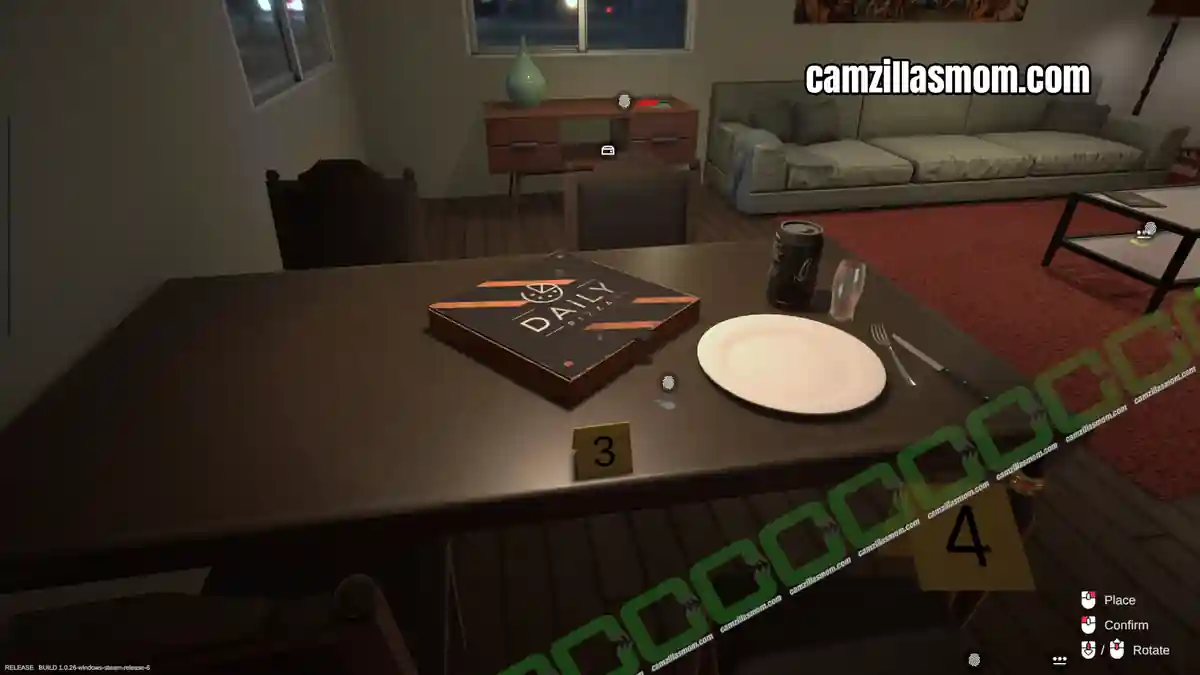
Evidence:
Fingerprint (Unknown)
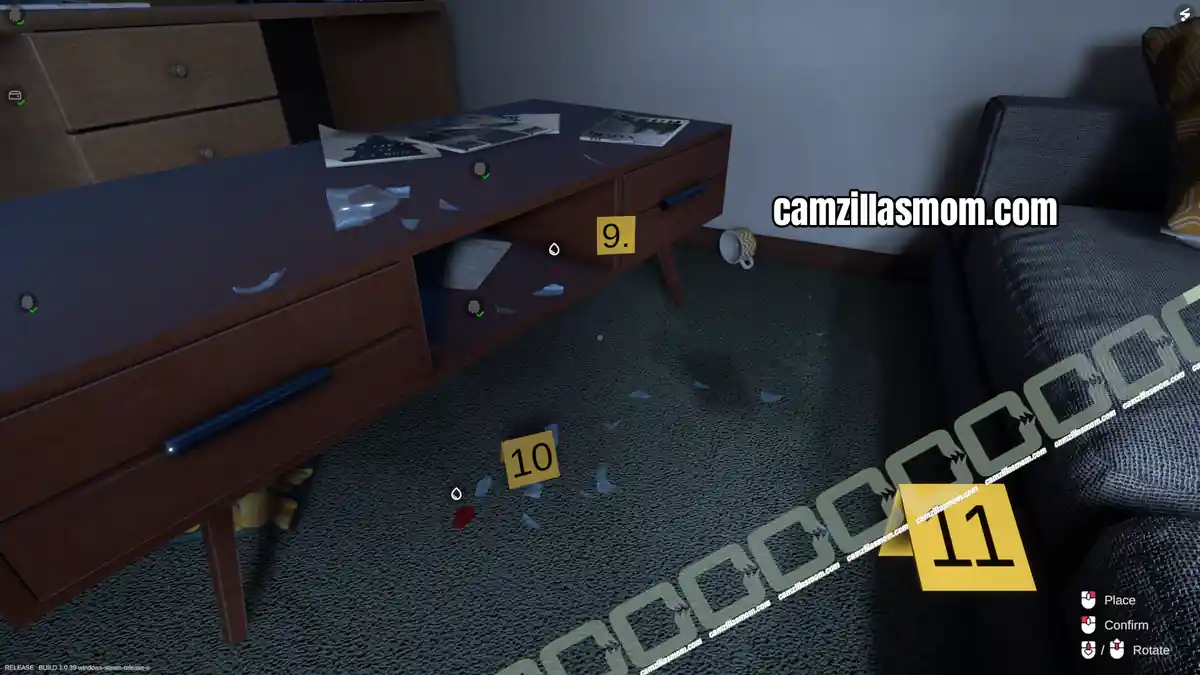
Then , move over to the drawer unit. There are two fingerprints. one on the top surface and another one at the bottom surface. There is also a flash drive next to the bottom one. At the coffee table is a notebook with a fingerprint and another fingerprint with a password below it.
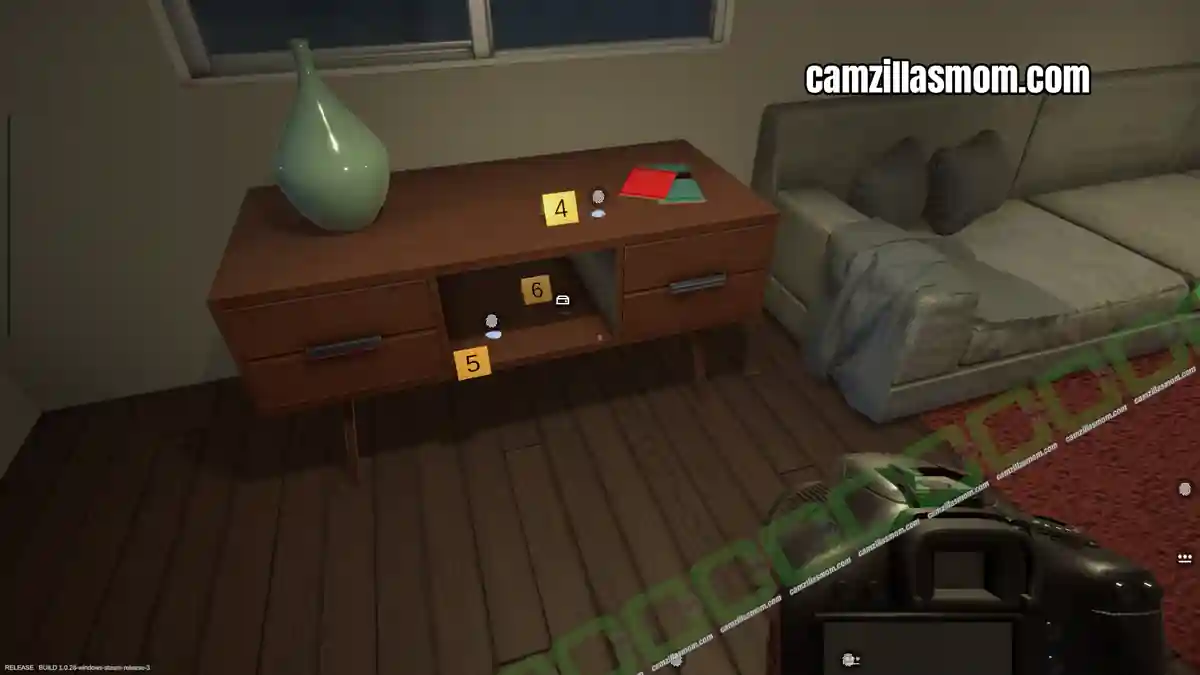
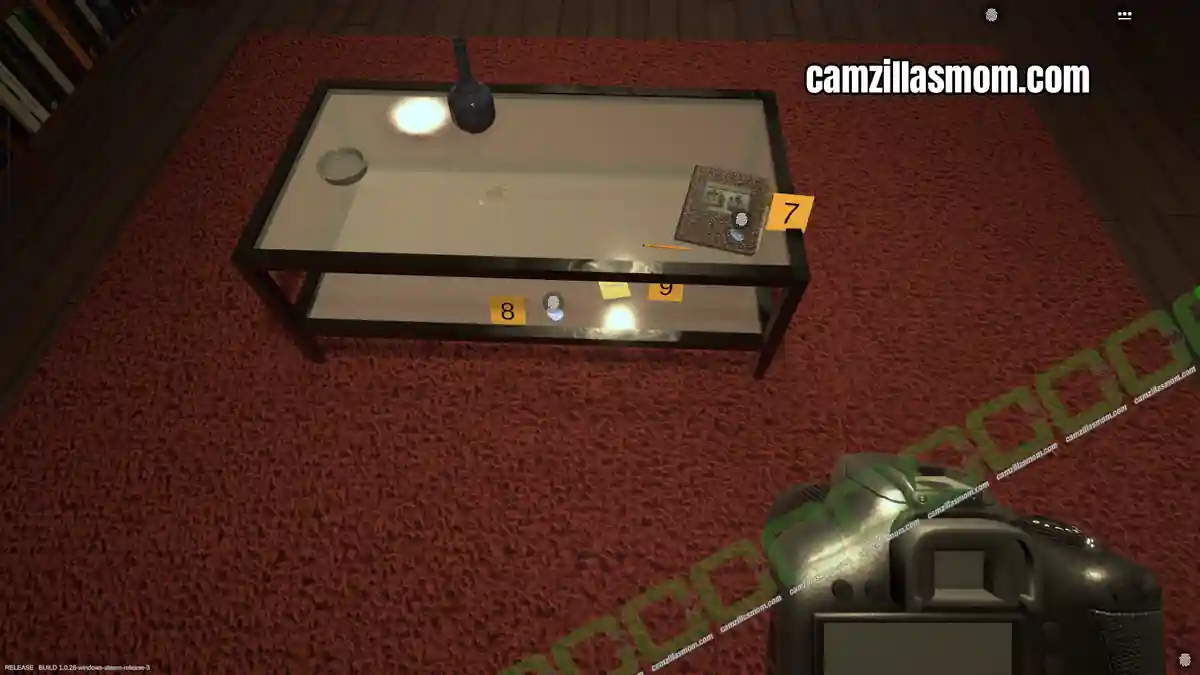
Evidence:
Digital Device Flashdrive – DataVault
4x Fingerprint (Unknown)
Password “T9v#2LpQ”
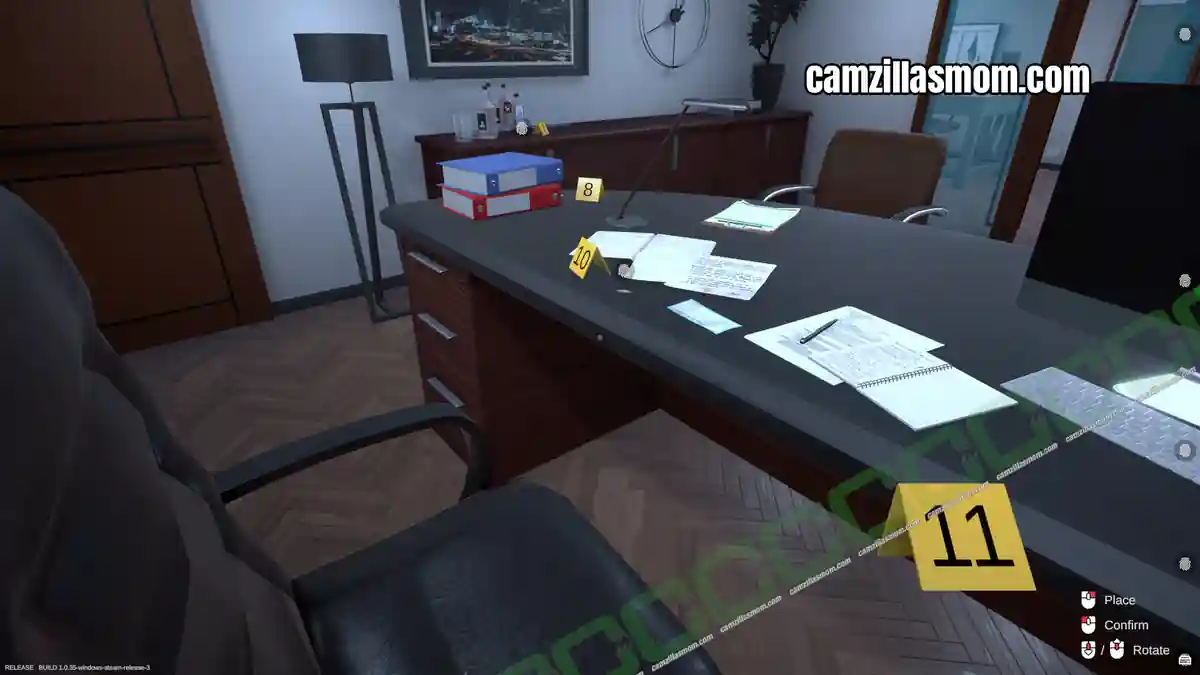
In the bedroom is a desk with four pieces of evidence: Two Post-It’s, a fingerprint on the desk surface and a smart phone. There is also a picture that can be moved, hiding a safe behind it.
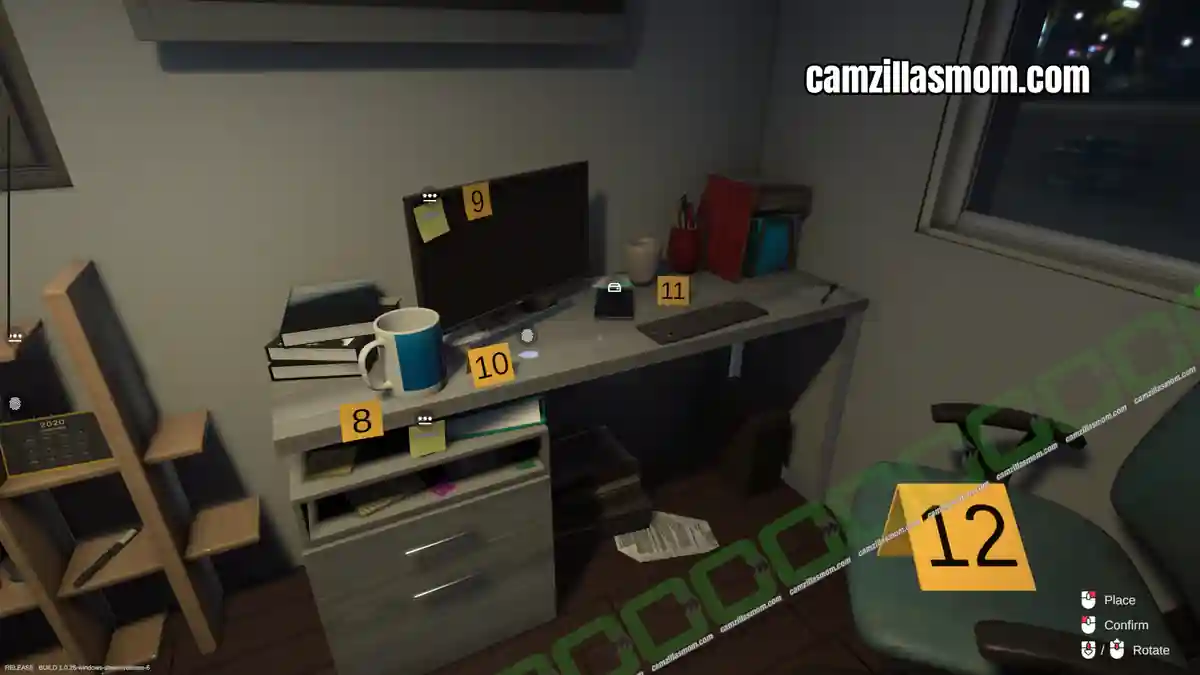
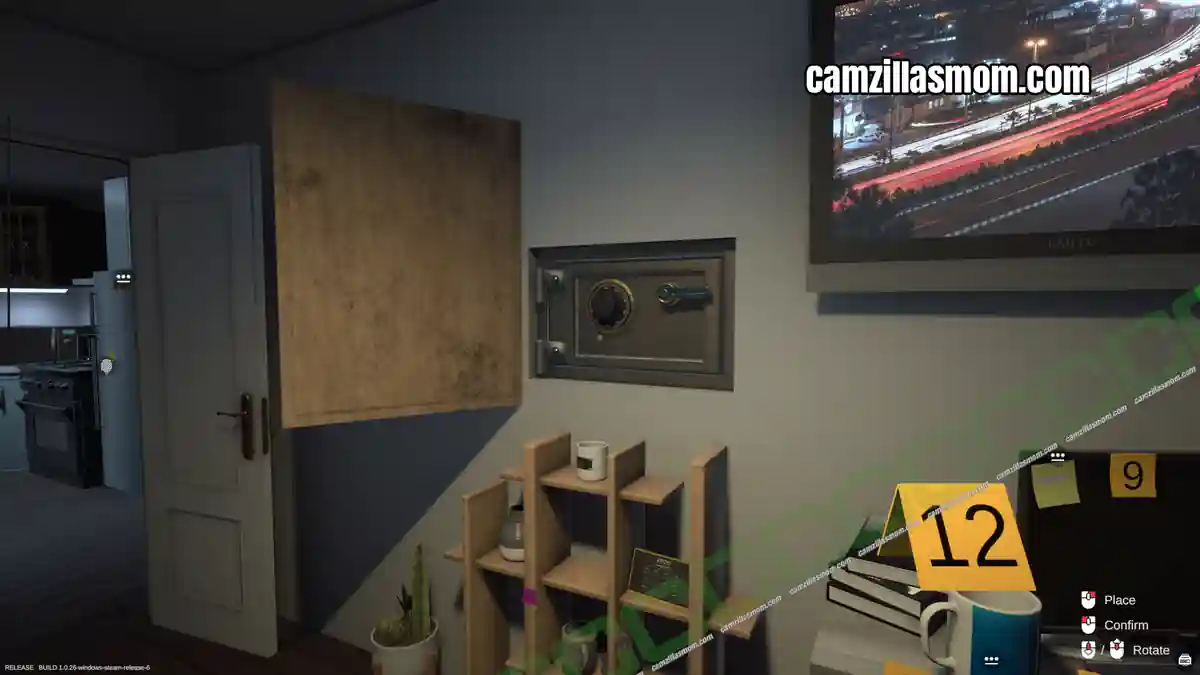
Evidence:
1x Fingerprint (Unknown)
Password “872yhdb&^”
Password “Jq3$Bn8w”
Digital Device Smartphone – Korellia
The safe requires a combination, which is not on the Post-It’s. Collect all the evidence above and return to the Lab for now.
Analyzing the Evidence
Back in the Lab read the email to receive a suspect’s fingerprint: Thomas Keller.
Evidence:
Fingerprint (Thomas Keller)
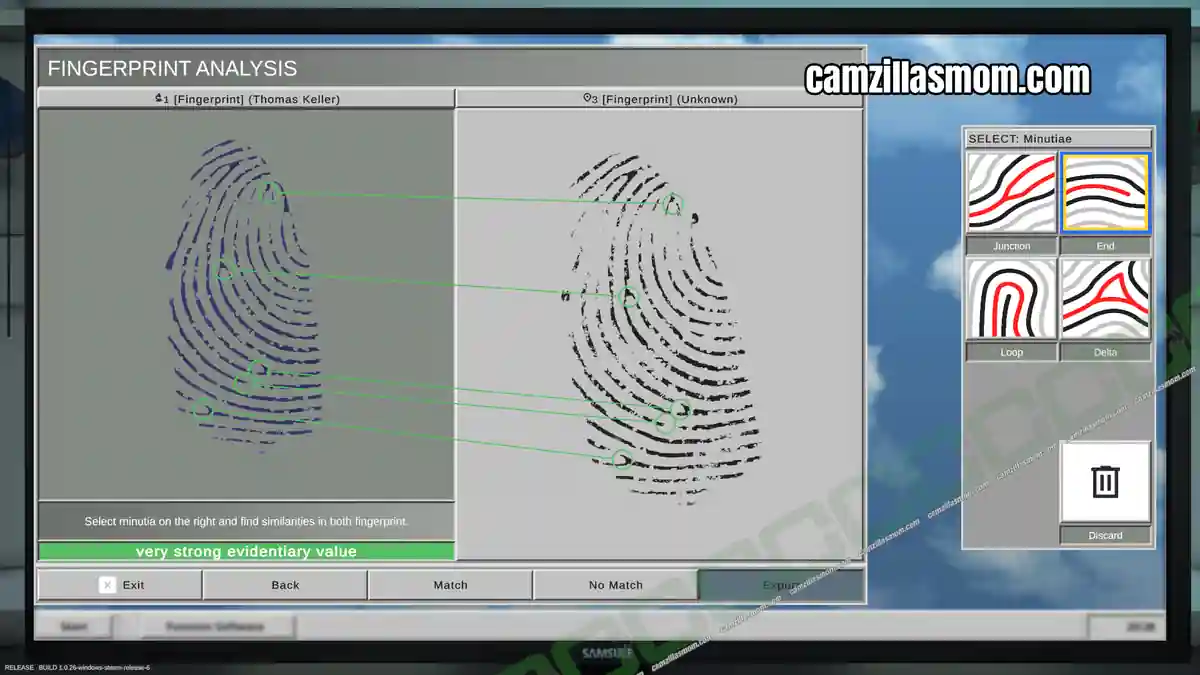
Let’s start with the fingerprints and analyze them at the Fingerprint Analysis station. There are eight unknown fingerprints to compare against Thomas Keller’s prints. Only three fingerprints are a match. Export and pickup all results.
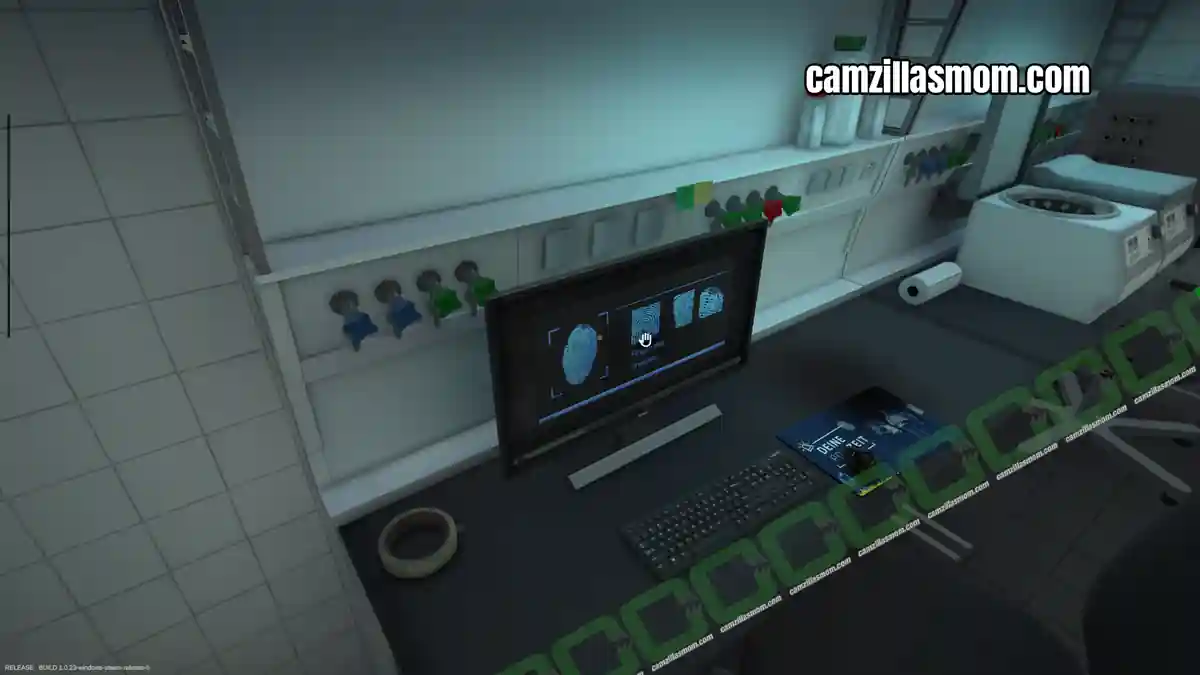
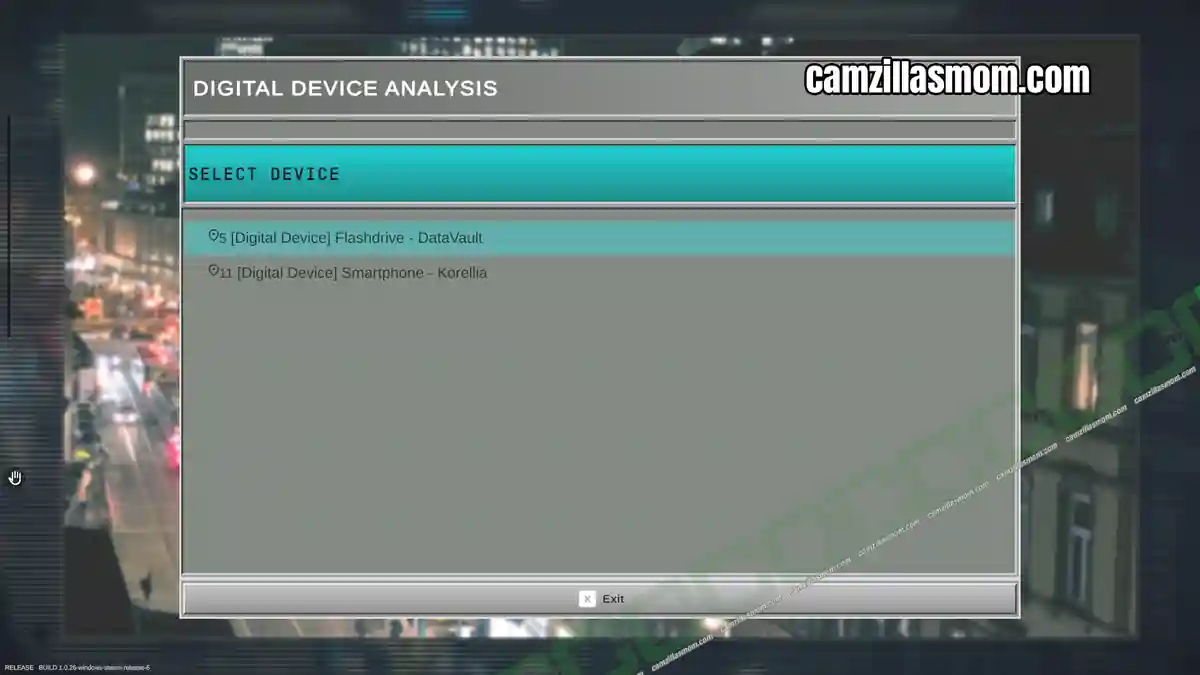
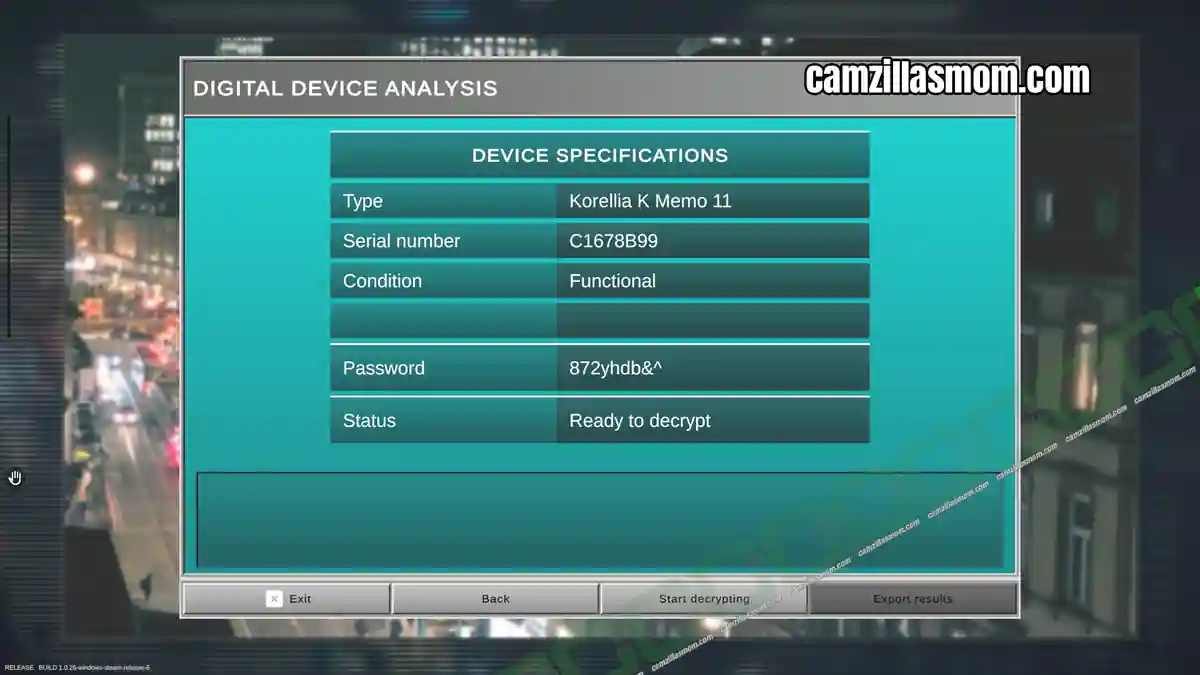
Next is to decrypt the two digital devices: The flashdrive and the smartphone. They are both intact and don’t need de-soldering. None of the found passwords work with the datastick. The Smartphone works with the password “872yhdb&^”. Export and pick up the results.
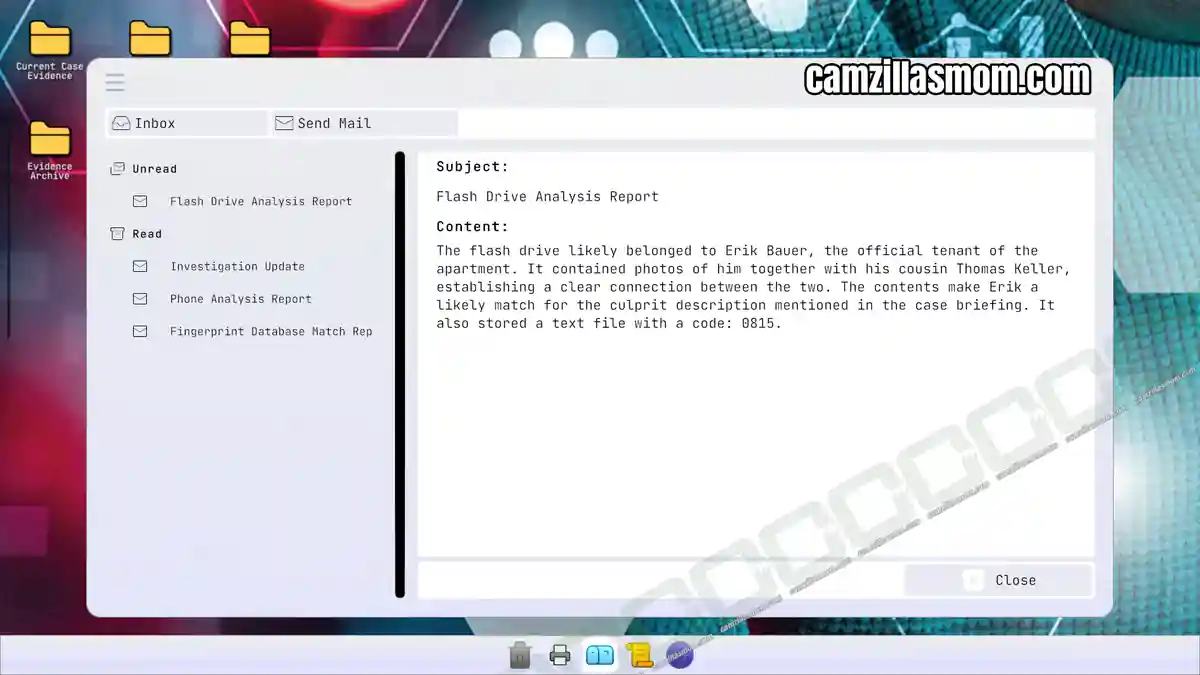
Send the email with all the evidence attached. Read the emails you receive after sending the evidence. The Flash Drive contains the safe’s combination: 0815.
Evidence:
Password “0815”
Return to the Crime Scene
Return to the crime scene to open the safe. Label and photograph the four pieces of evidence (three fingerprints and one smartphone) before removing them. Labelling is a bit tricky. You can try to “lean” into the safe for better marking. The best is, to first do all the fingerprints in the safe one after the other. There is simply no room to do all the markers at once. When the fingerprints are removed, you then have enough room to place a marker for the smartphone.
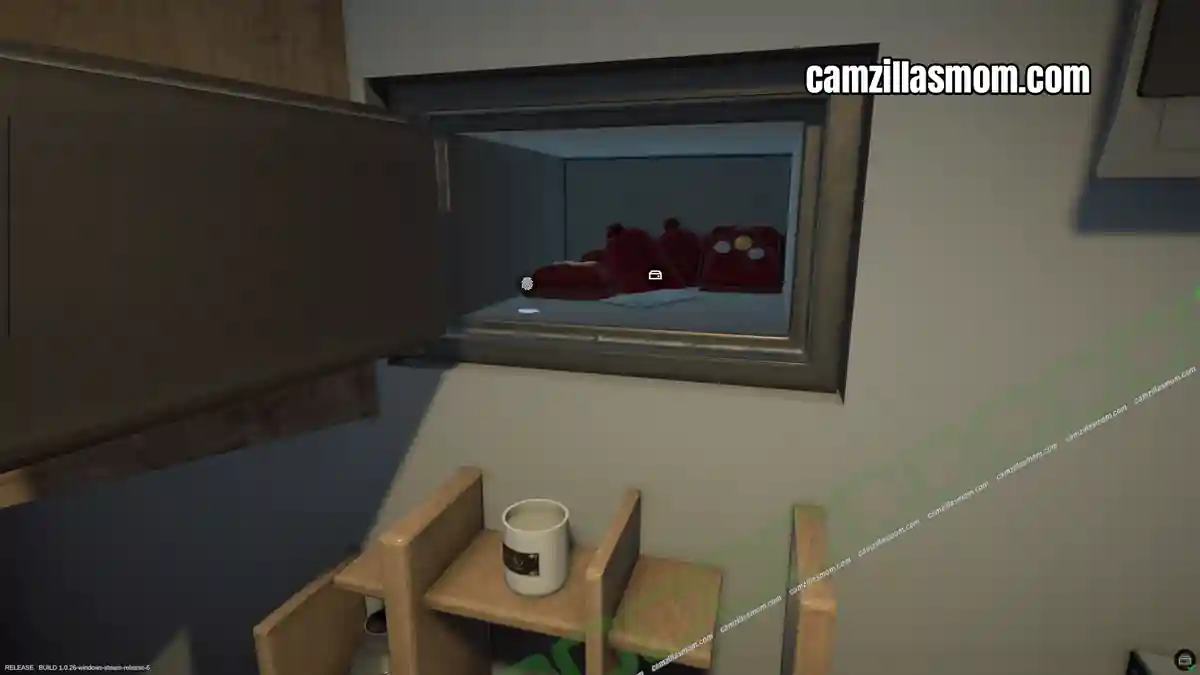
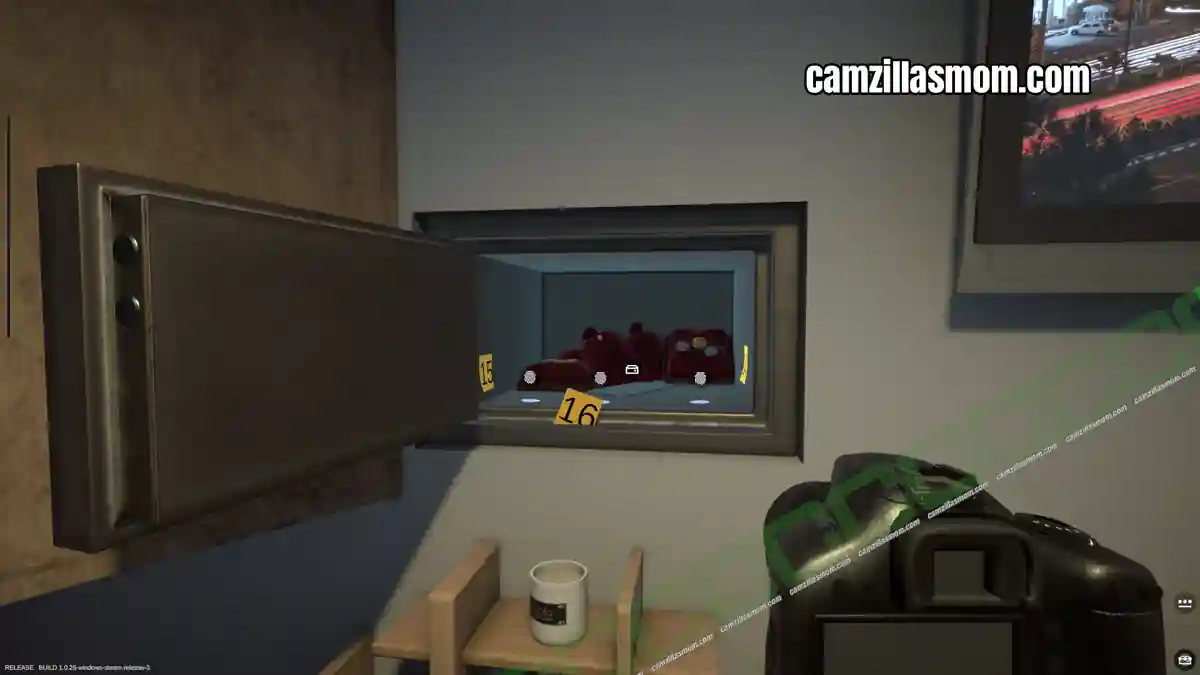
Evidence:
3x Fingerprint (Unknown)
Digital Device Smartphone – Orcha
Return to the Lab
Back at the lab, compare all the three fingerprints from the safe with Thomas Keller’s. None of them match. Export and pick up the result.
Then, decrypt the found Smartphone – Orcha. None of the found passwords work.
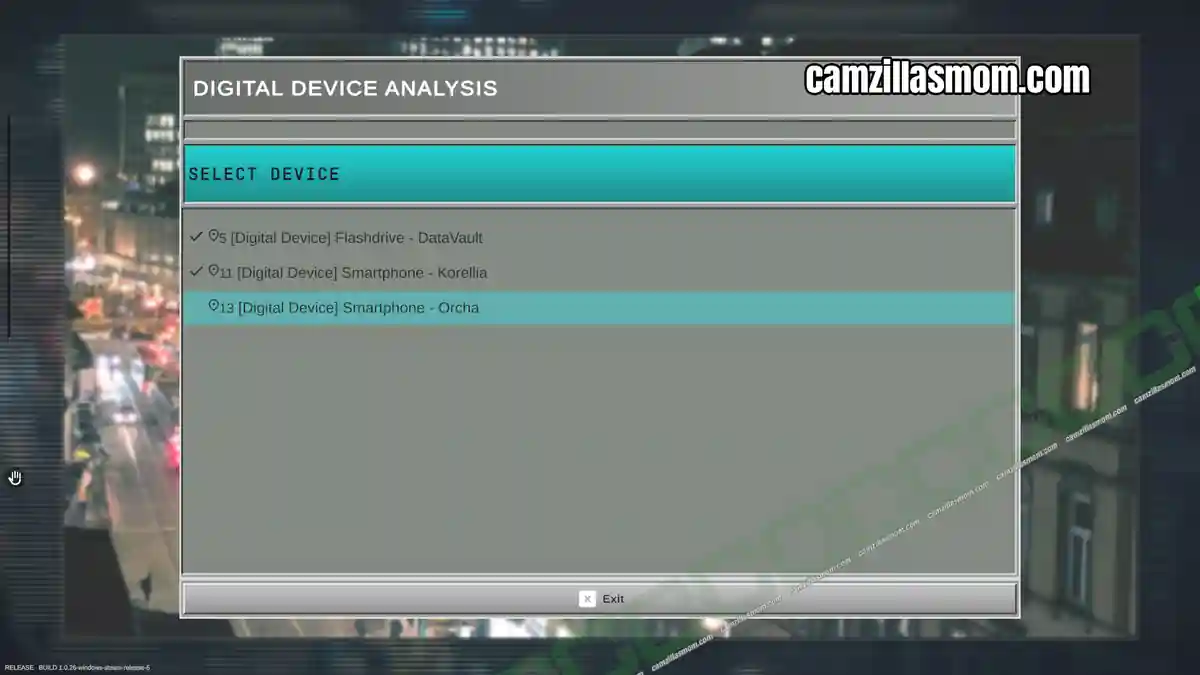
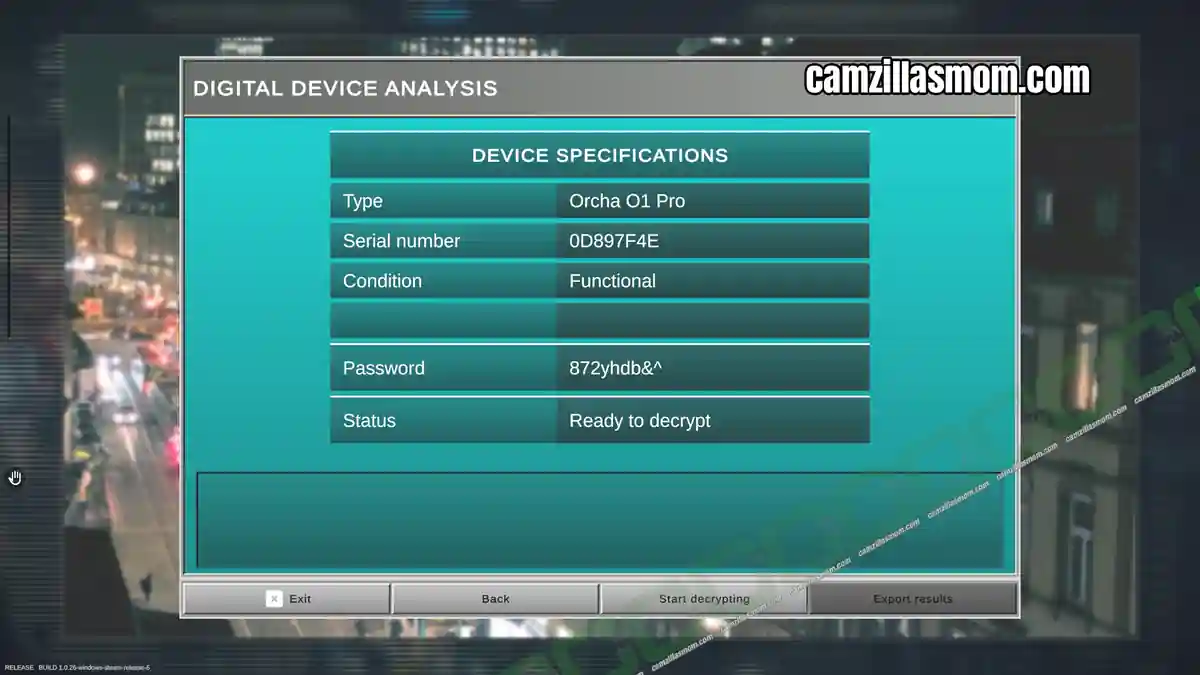
Send the email with all the evidence attached. Read the emails you receive after sending the evidence. Erik Bauer has been brought in for questioning and his fingerprints have been taken.
Evidence:
Fingerprints (Erik Bauer)
Use the Fingerprint Analysis station to compare all eleven unknown fingerprints with Erik Bauer’s. The other eight all match Erik Bauer’s fingerprints. Export all ten results and take them.
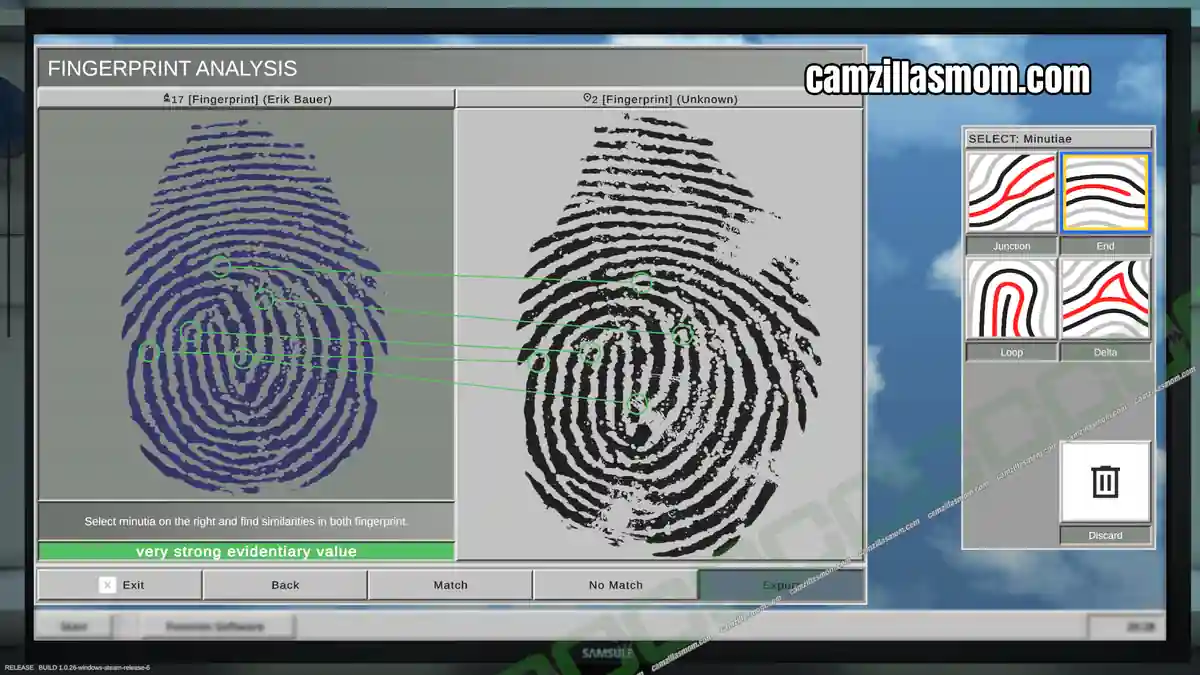
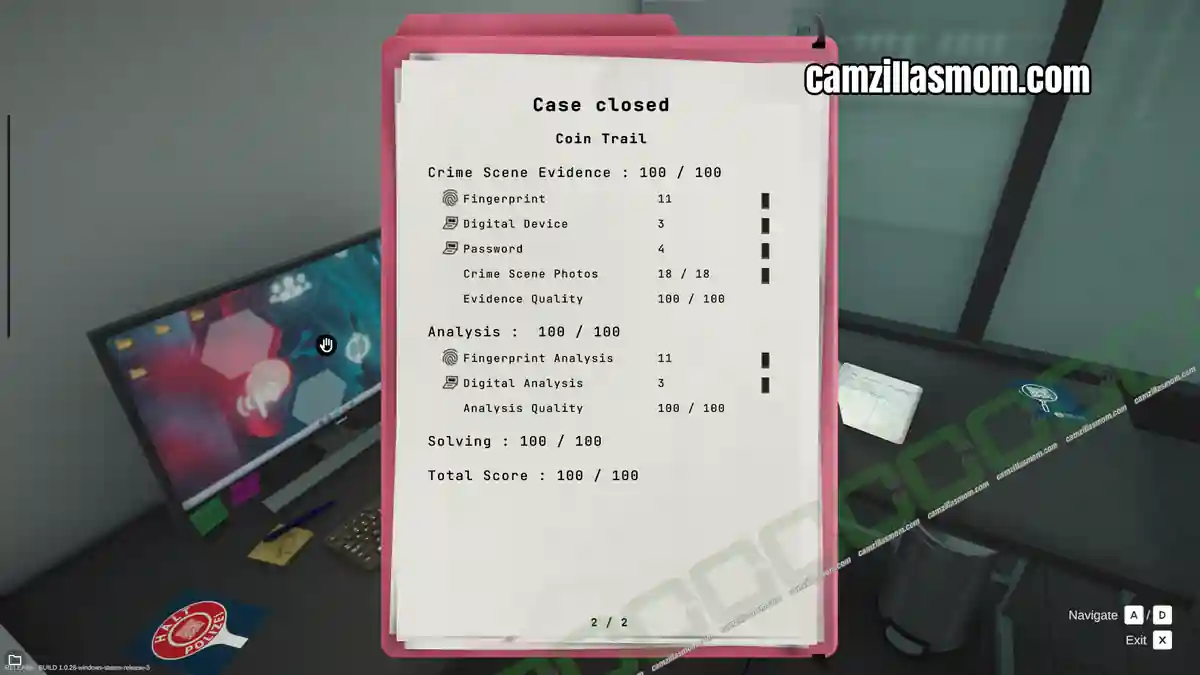
Send the results off by email. The crime scene is clear.


Forensics: Crime Scene Detective
Release: July 13th, 2016
Developer: Binary Impact, Alchemical Works
Publisher: Aerosoft GmbH
Official Website: https://store.steampowered.com/app/3765010/Forensics_Crime_Scene_Detective/