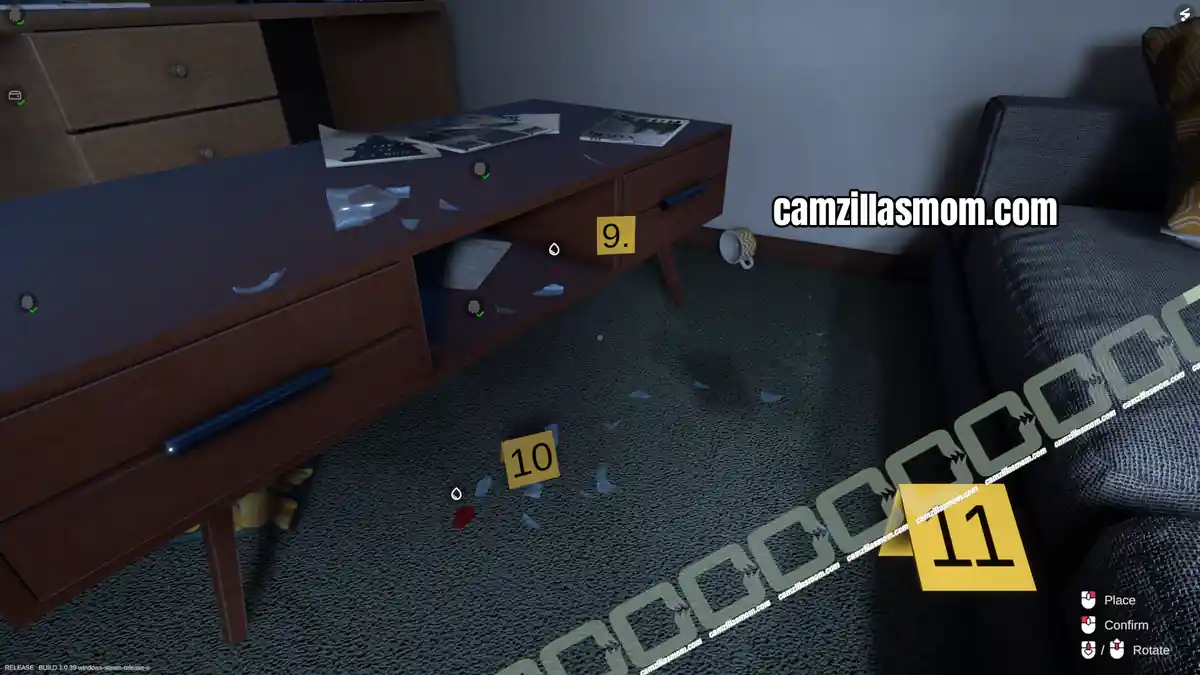
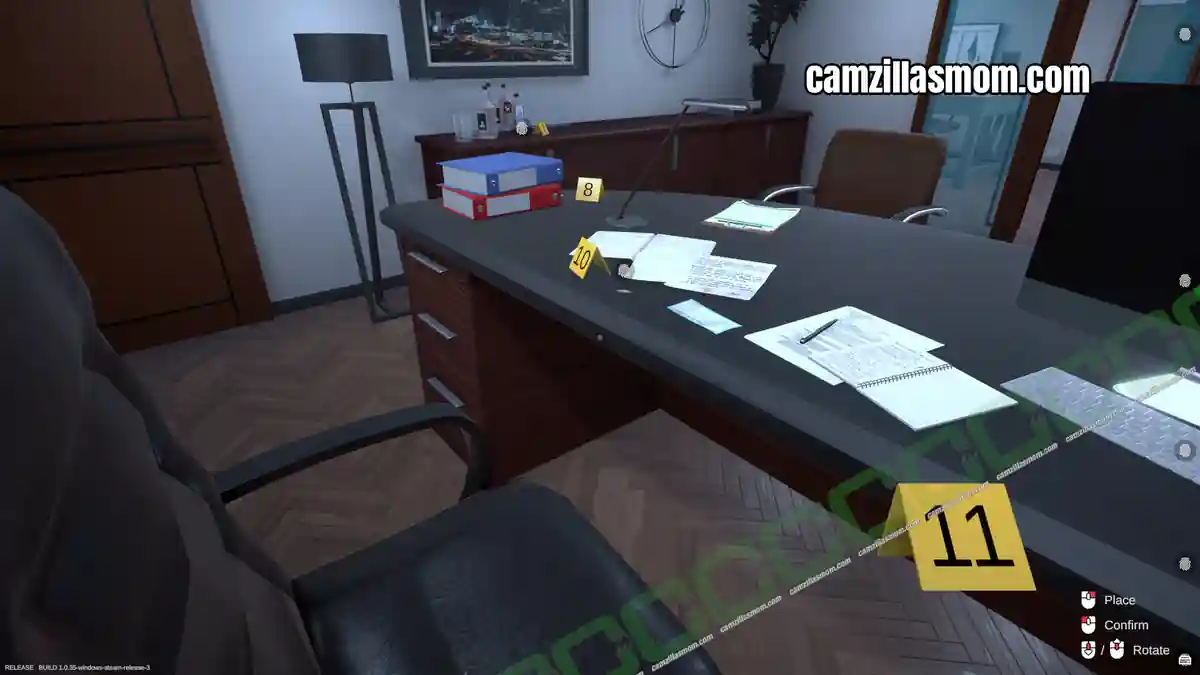
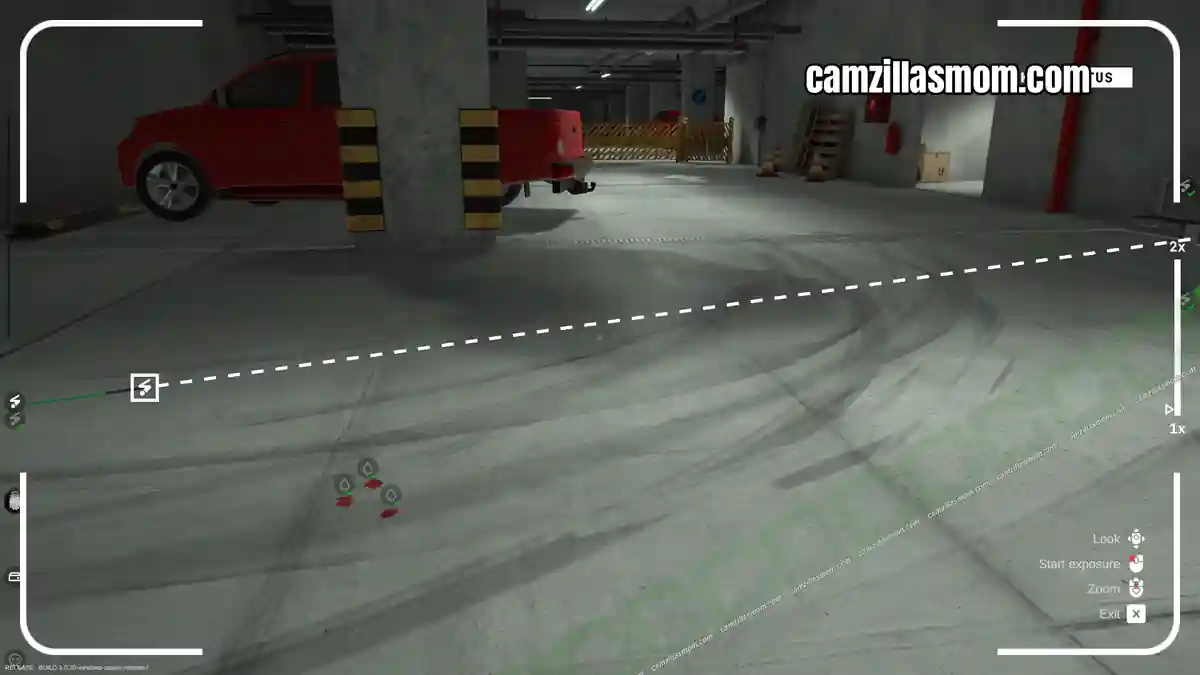
This walkthrough covers Tutorial 2 of Forensics: Crime Scene Detective, where you dust the apartment for fingerprints and confirm the identities of two suspects. Follow along to photograph and collect all five fingerprints and the wine bottle, then head to the lab to run Cyanoacrylate Fuming and match each print against James Doe and John Doe.
Note: This case was initially named Tutorial 2 but was renamed to Training 2 later on.
Related Guides:
Training 1
Training 3
Cold Storage Case
Training 2 Evidence Overview
2 sets of fingerprints are known:
1 – Fingerprint (James Doe)
2 – Fingerprint (John Doe)
Photos, Evidence and Fingerprints in the apartment:
1 – General Wine bottle
2 – Fingerprint (Unknown)
3 – Fingerprint (Unknown)
4 – Fingerprint (Unknown)
5 – Fingerprint (Unknown)
Web of Evidence Whiteboard Overview
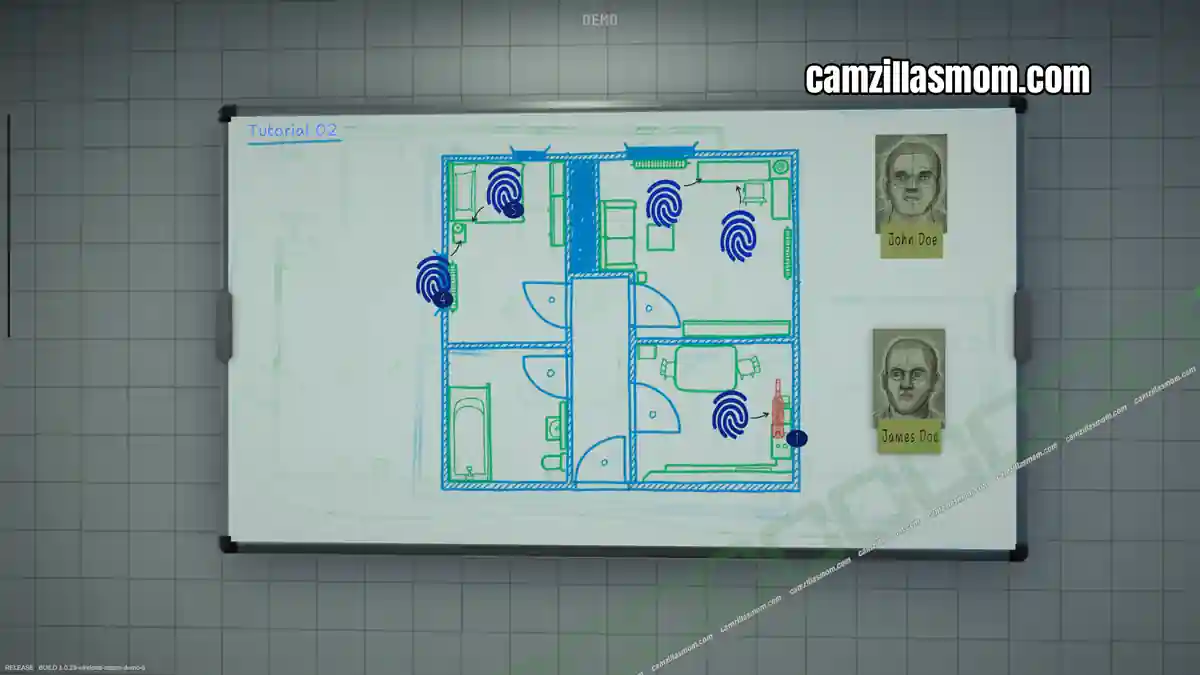
Evidence for Digital Analysis in the Lab:
5x Fingerprint Analysis James Doe (3x Match, 2x Mismatch)
5x Fingerprint Analysis John Doe (2x Match, 3x Mismatch)
Witness Statement Jacob Doe
“Two people are reported to be living in this flat. You need to locate fingerprints to confirm the identity of both habitants.”
Travel to the Apartment Crime Scene
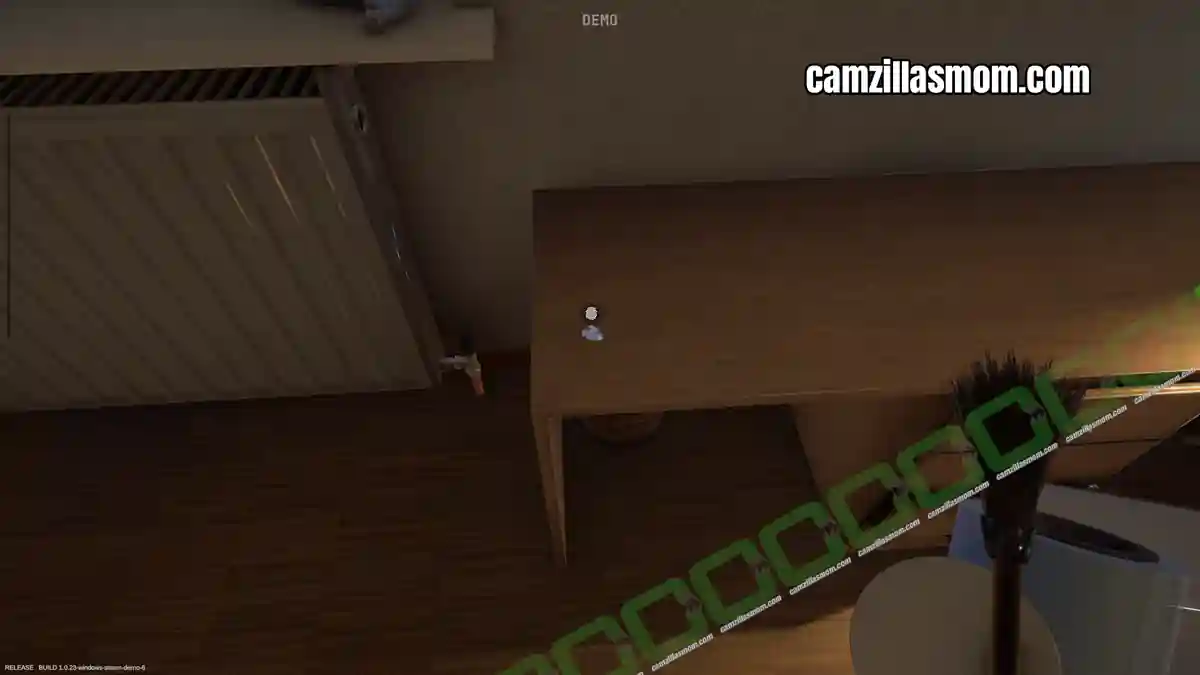
Enter the apartment and pick up the UV flashlight to find the fingerprints. After discovering them, you first have to use the markers and camera to take a photograph of the fingerprints and items you will collect. These are: The bottle in the kitchen, two fingerprints on the desk in the lounge (one on the surface, one on the drawer), and two in the bedroom (one on the night stand, one on the floor in front of the night stand).
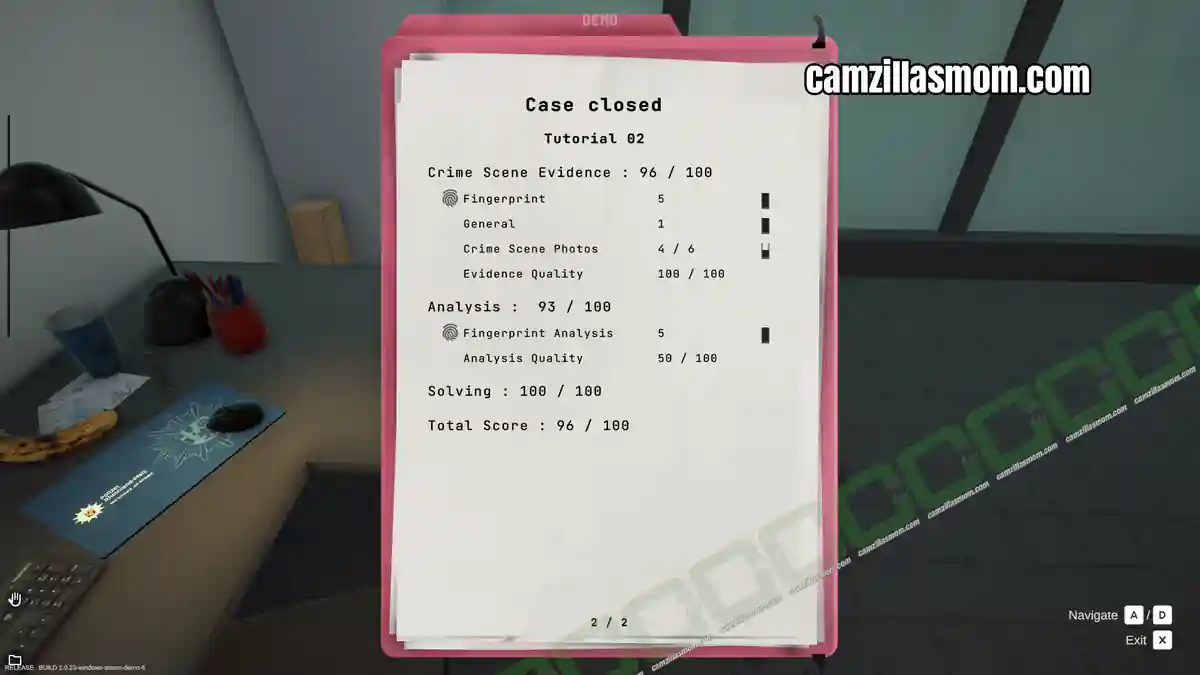
In the demo there was a bug and not all photos were counted in my case.
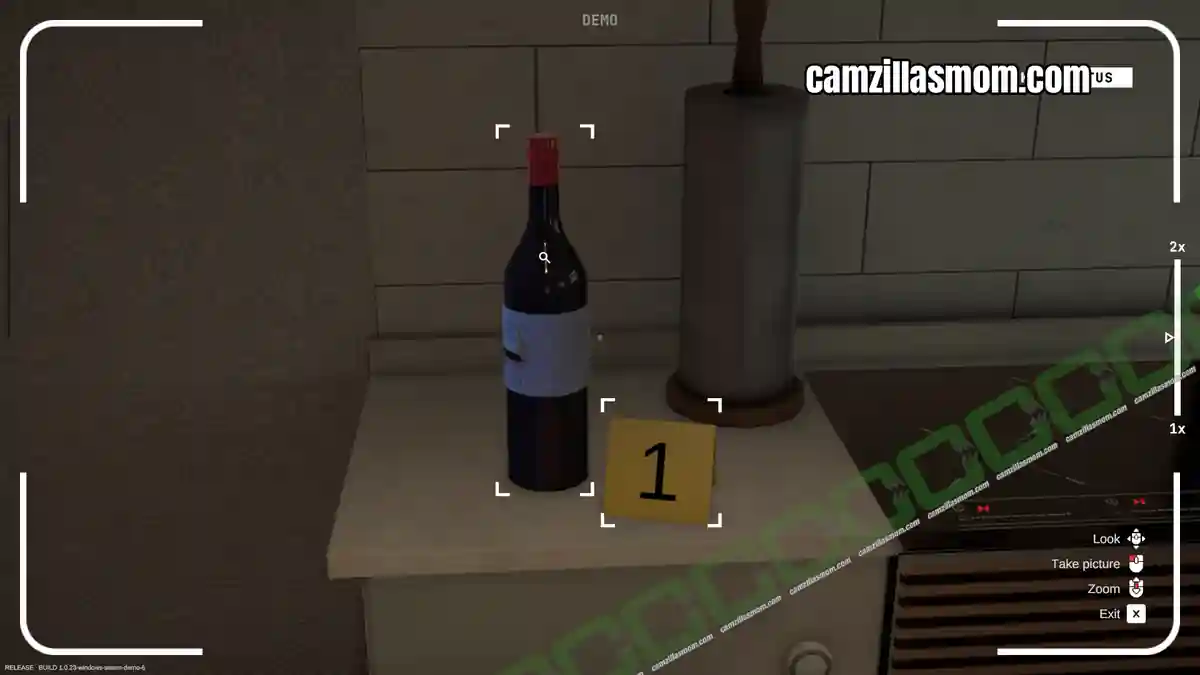
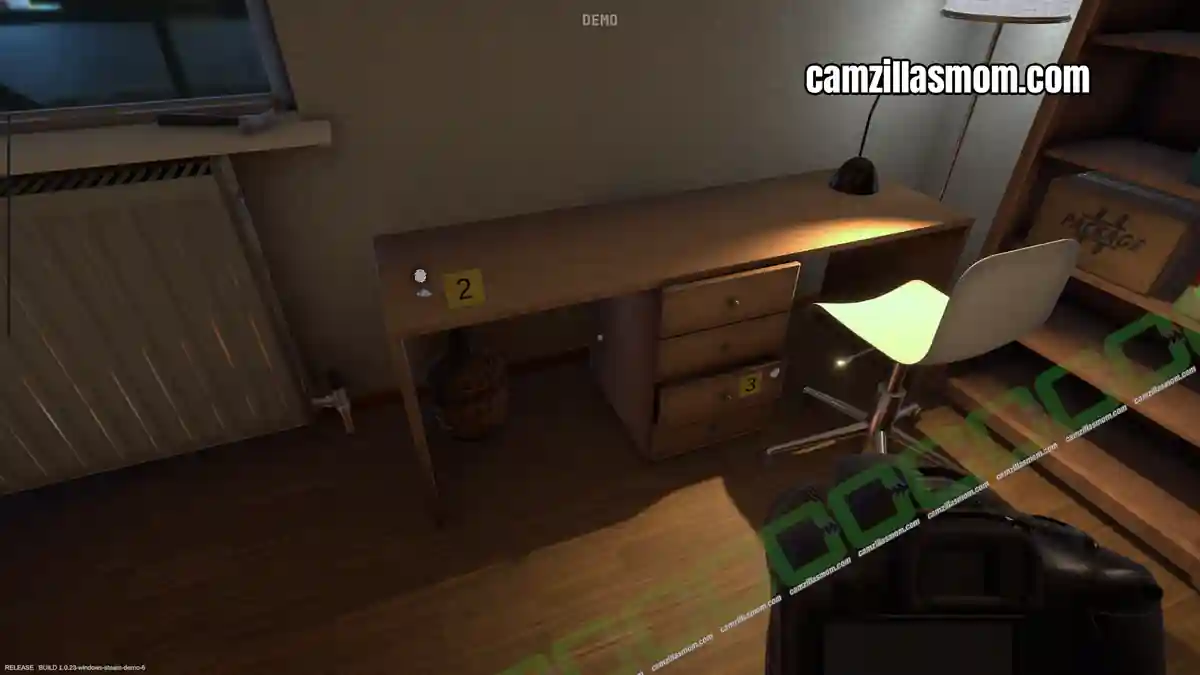
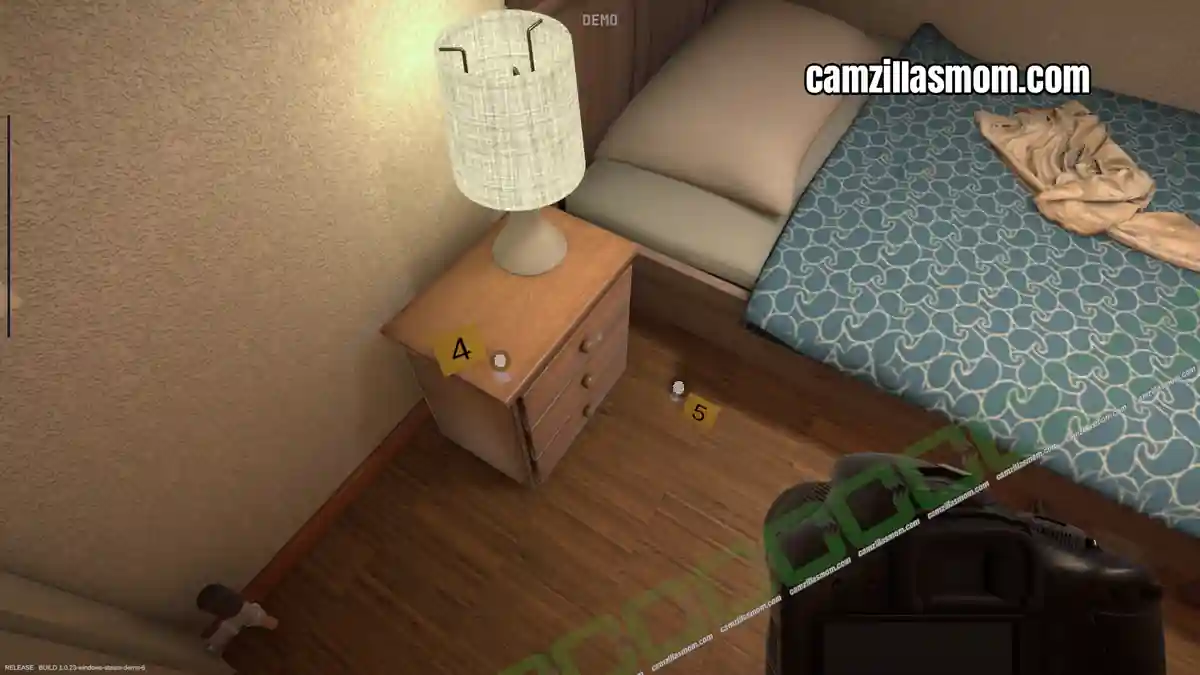
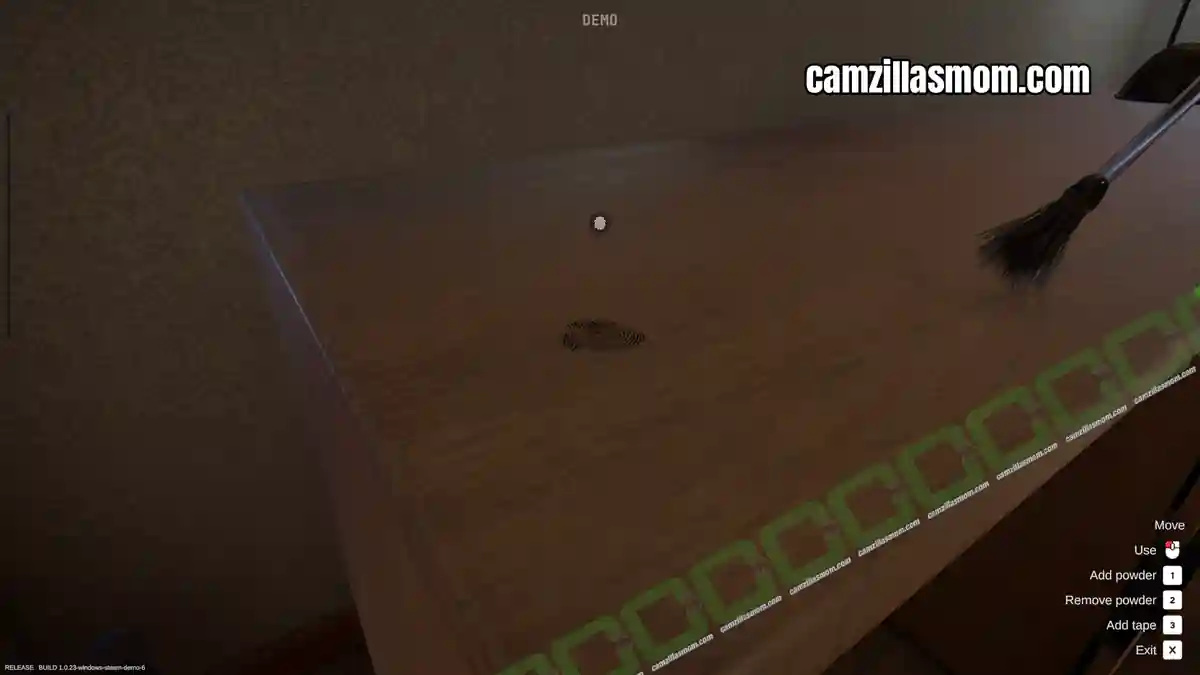
Pickup the fingerprint kit to collect the five fingerprints. First, apply the powder until the fingerprint turns black, remove excess powder and apply the tape. Exit to collect the fingerprint. Now you can also pick up the wine bottle in the kitchen.
Evidence:
1 – General Wine bottle
2 – Fingerprint (Unknown)
3 – Fingerprint (Unknown)
4 – Fingerprint (Unknown)
5 – Fingerprint (Unknown)
Analyzing the Evidence
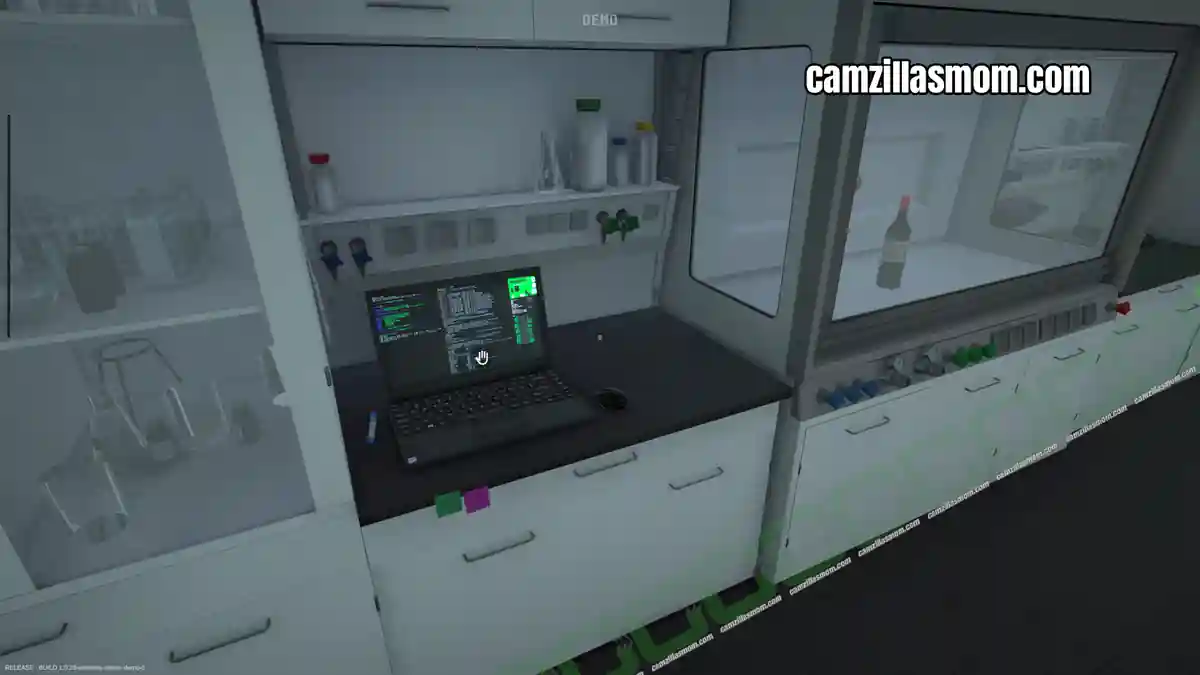
Return to the lab and read the email on your computer. The next step is to analyze the evidence. You now have access to the Cyanoacrylate Fuming workstation and the Fingerprint Analysis Workstation.
Below is a screenshot of all fingerprint locations.
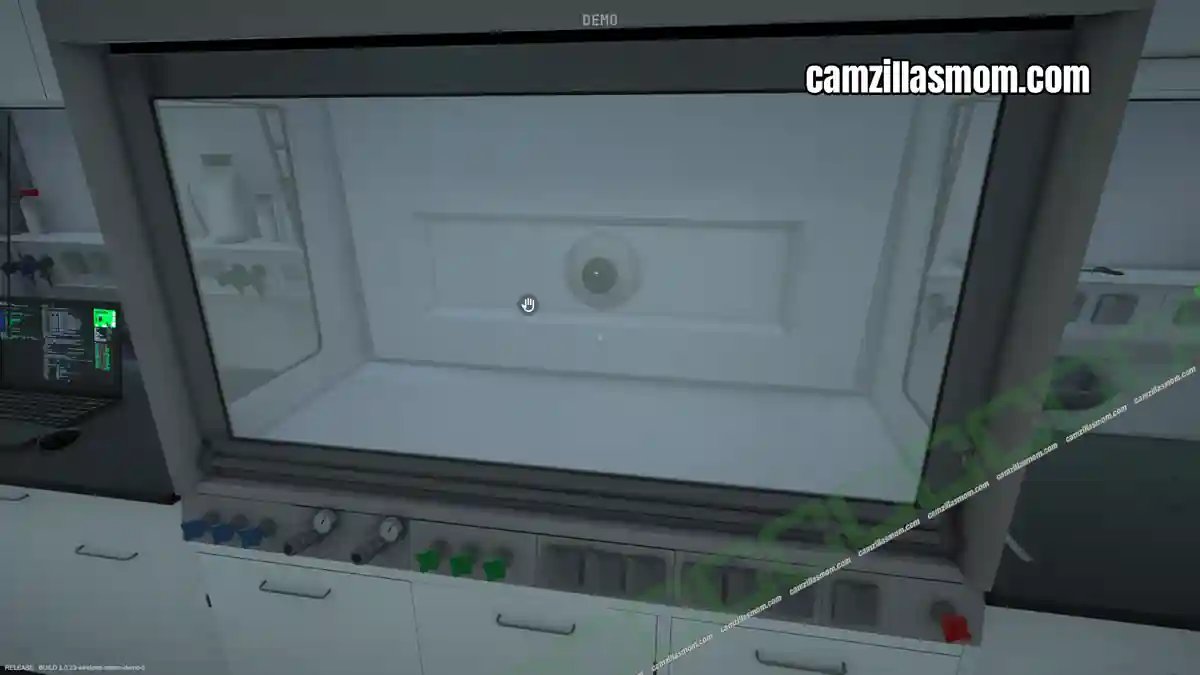
Let’s start with the Cyanoacrylate Fuming. This is for the collected wine bottle. Open the chamber, place the wine bottle, close the chamber and interact with the computer to start the extraction. Then, collect the results.
Evidence:
Fingerprint (Unknown)
Now go to the Fingerprint Analysis workstation to compare the five found fingerprints. Select James Doe’s fingerprint to match or mismatch it with all five fingerprints. Mark the similarities on both sides if there is a match. You have to do the same analysis with the mismatch. All five fingerprints have to be analysed and exported.
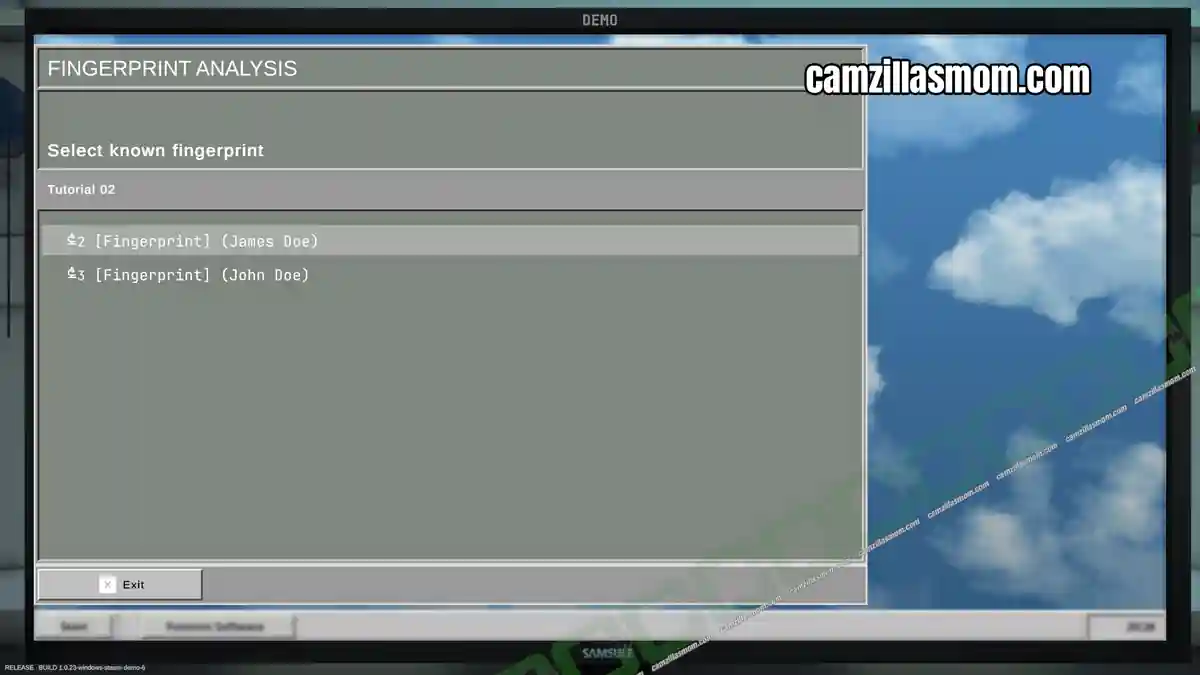
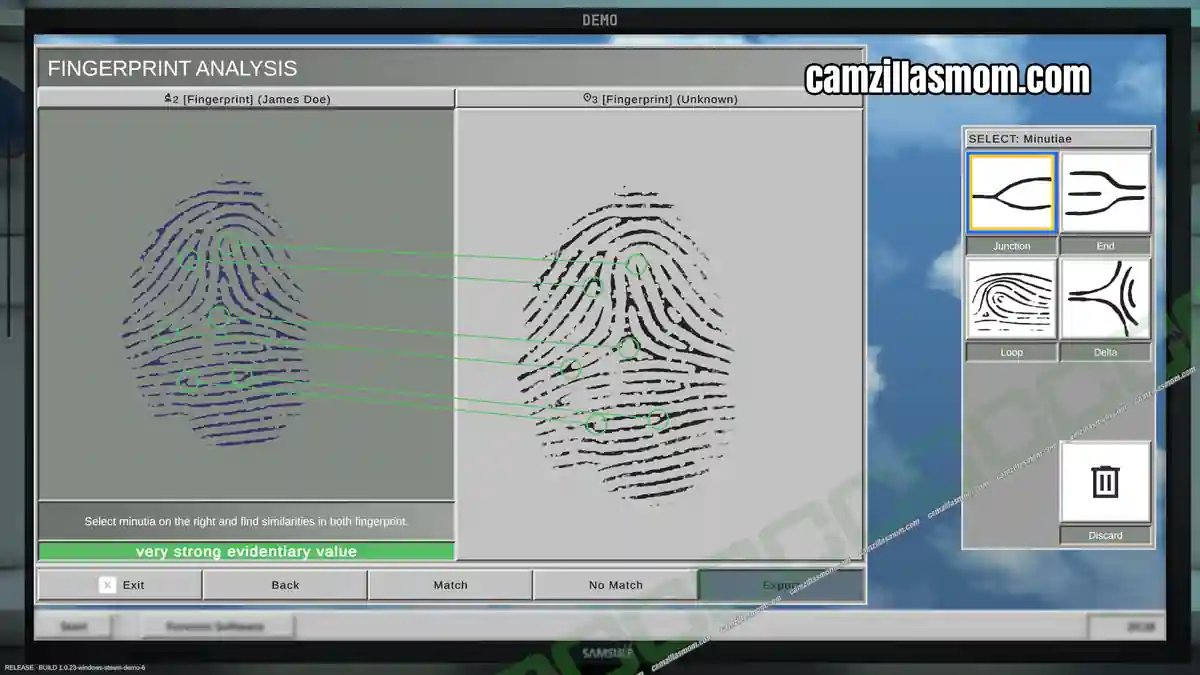
Do the same with John Doe’s fingerprint for all five fingerprints. Then, pick up the folder next to the computer.
Evidence:
5x Fingerprint Analysis James Doe (3x Match, 2x Mismatch)
5x Fingerprint Analysis John Doe (2x Match, 3x Mismatch)
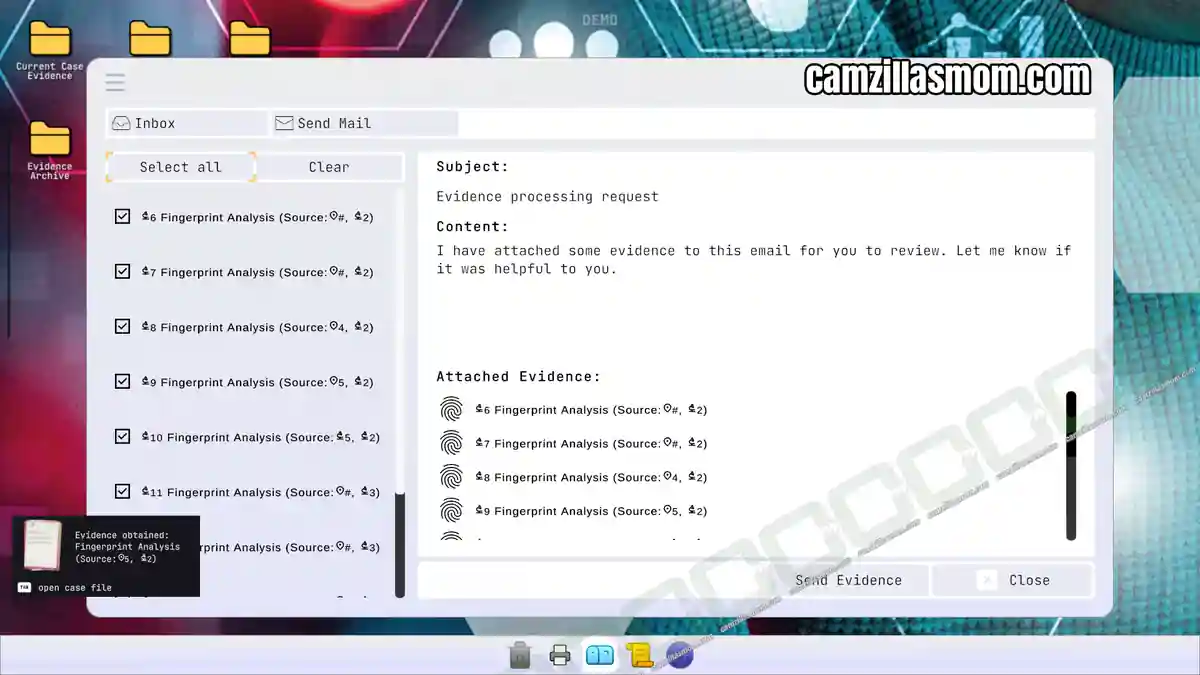
Interact with the e-mail computer to send off your evidence. In my case there was a bug during photo collection and only three of five were counted.


Forensics: Crime Scene Detective
Release: July 13th, 2016
Developer: Binary Impact, Alchemical Works
Publisher: Aerosoft GmbH
Official Website: https://store.steampowered.com/app/3765010/Forensics_Crime_Scene_Detective/