Both tutorials have to be completed successfully before you can start Case: Cold Storage, the first full case in Forensics: Crime Scene Detective. This walkthrough covers securing the laptop, two damaged phones and a third smartphone at the storage unit, then decrypting all four devices back at the lab.
Related Guides:
Tutorial 1
Tutorial 2
Tutorial 3
Tutorial 4
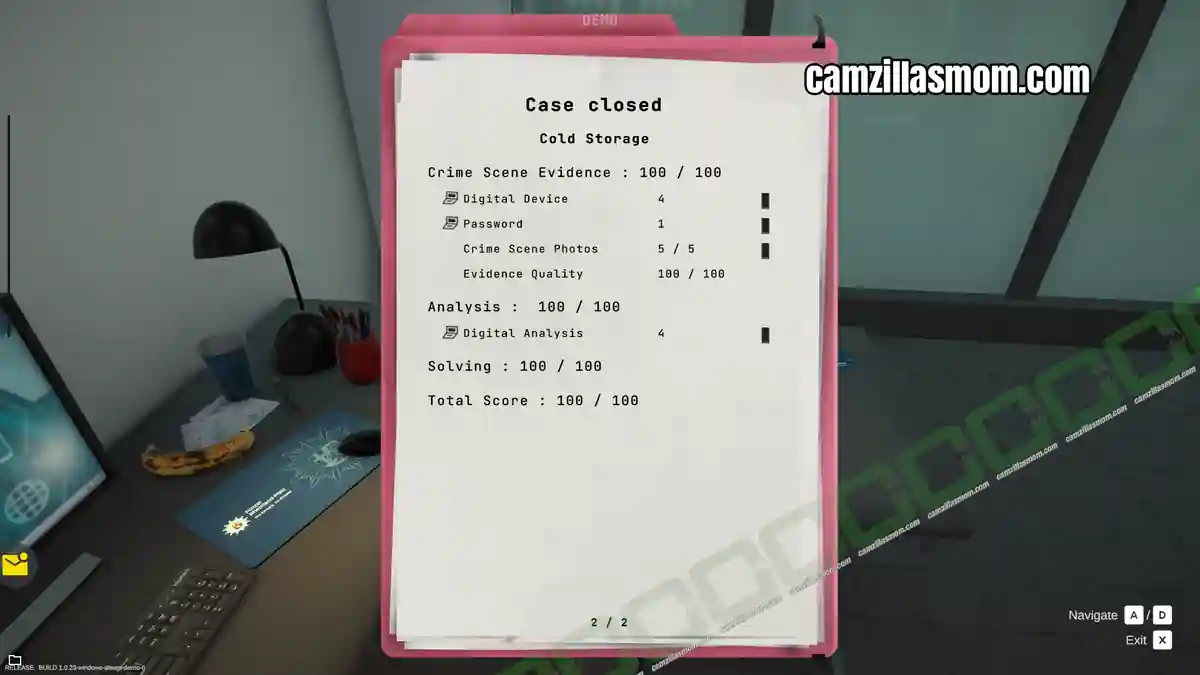
Cold Storage Evidence Overview
Photos and Evidence at the Crime Scene:
1 – Digital Device Laptop – Orcha
2 – Password “xSF95sX_#
3 – Digital Device Smartphone – Korellia (Damaged)
4 – Digital Device Smartphone – Redleaf (Damaged)
5 – Digital Device Smartphone – Orcha
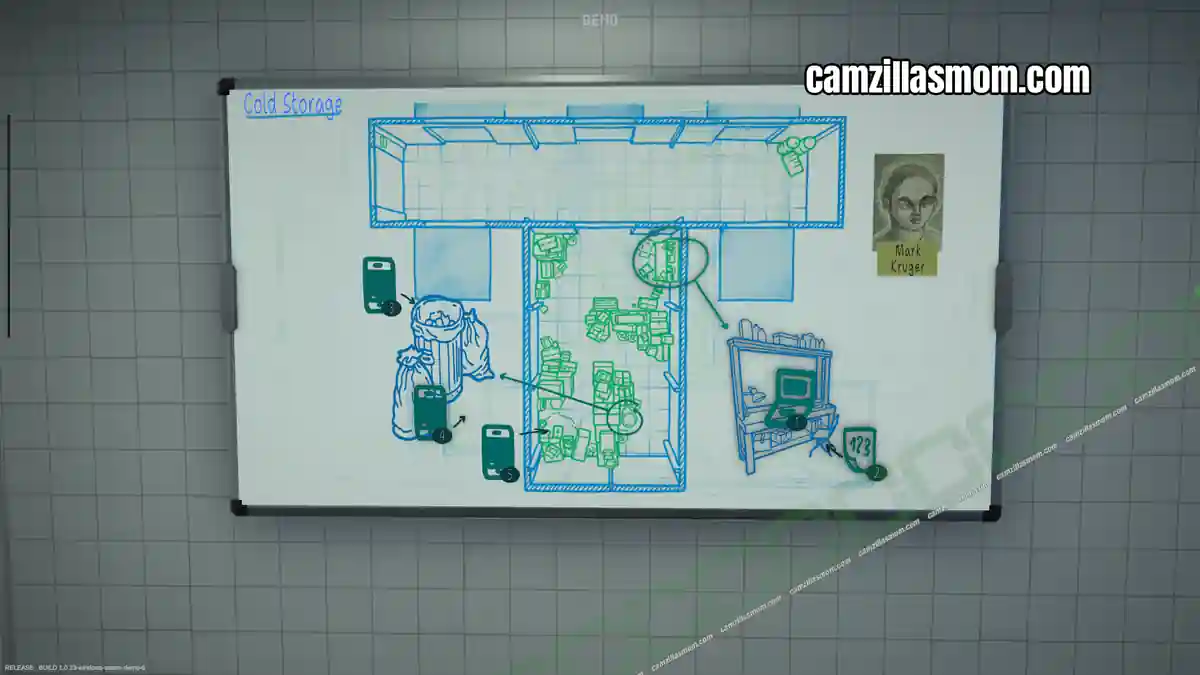
Web of Evidence Whiteboard Overview
Evidence for Digital Analysis in the Lab:
4x Digital Device Analysis Results.
Briefing
A storage unit located at Bahnhofstr. 21 is suspected of being used in connection with a cryptocurrency scam. The unit is registered under the name Mark Kruger. Investigators are instructed to secure and analyze any electronic devices found at the scene.
Travel to the Crime Scene
The storage unit is quite chaotic. Let’s grab the evidence marker and place it near all electronic devices. A Laptop, the password under the laptop’s workbench.
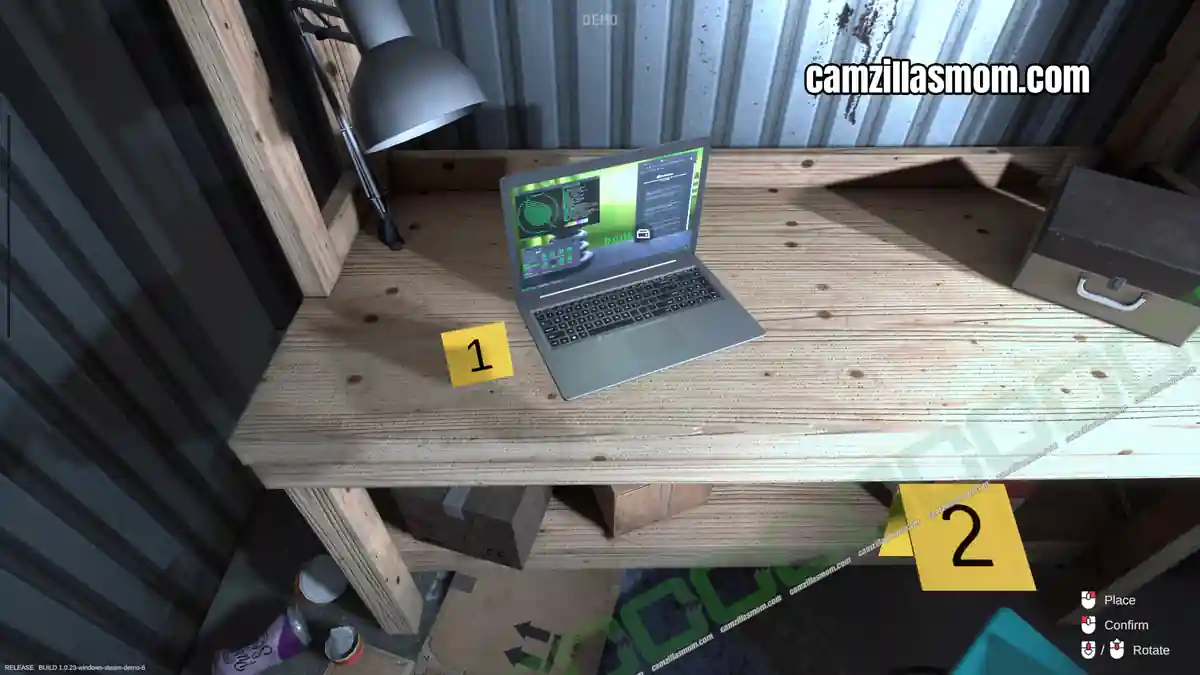
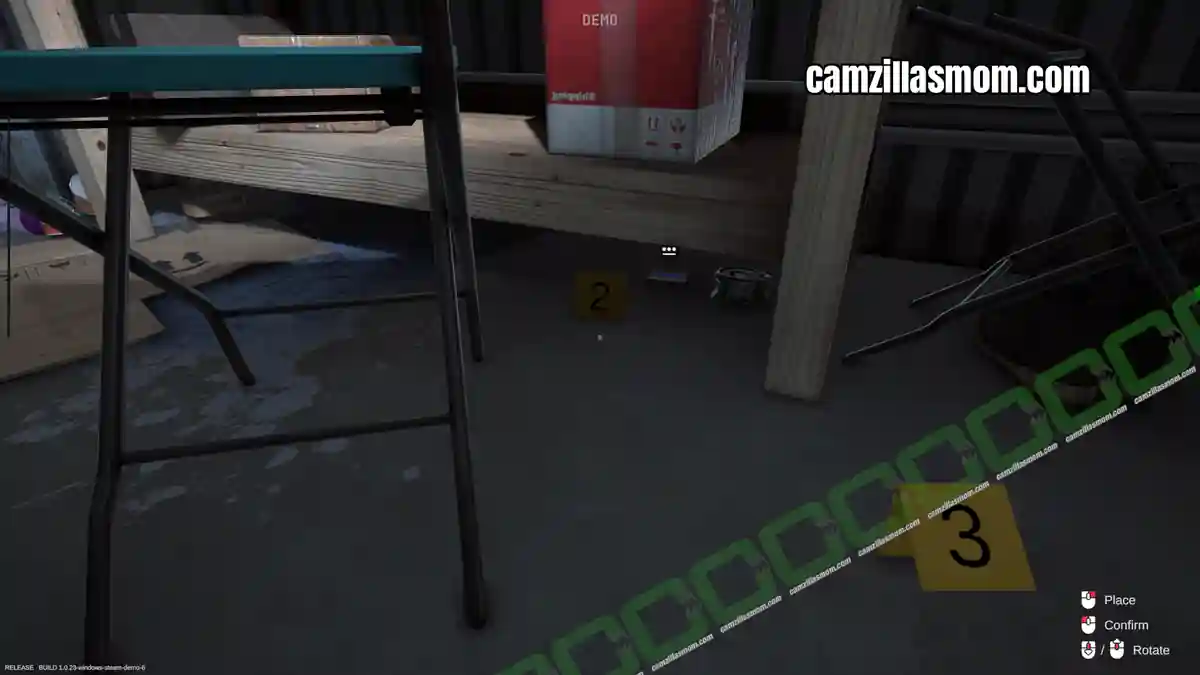
Evidence:
1 – Digital Device Laptop – Orcha
2 – Password “xSF95sX_#
At the back to the left is a phone in the garbage bin and one on the floor.
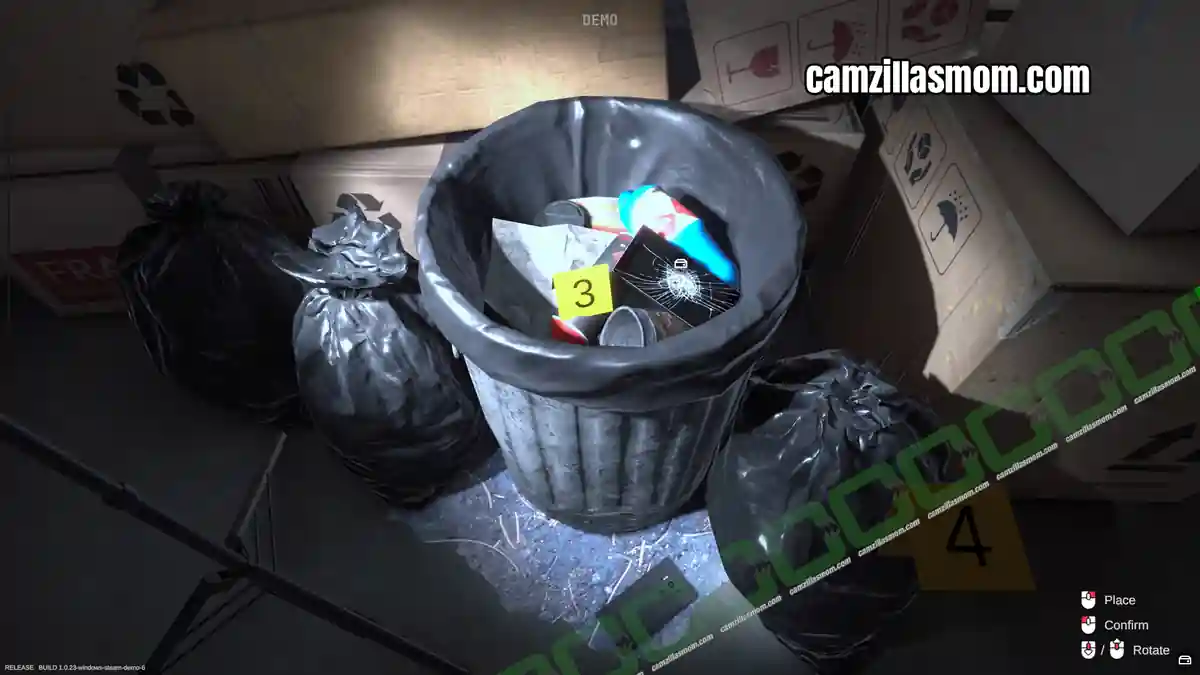
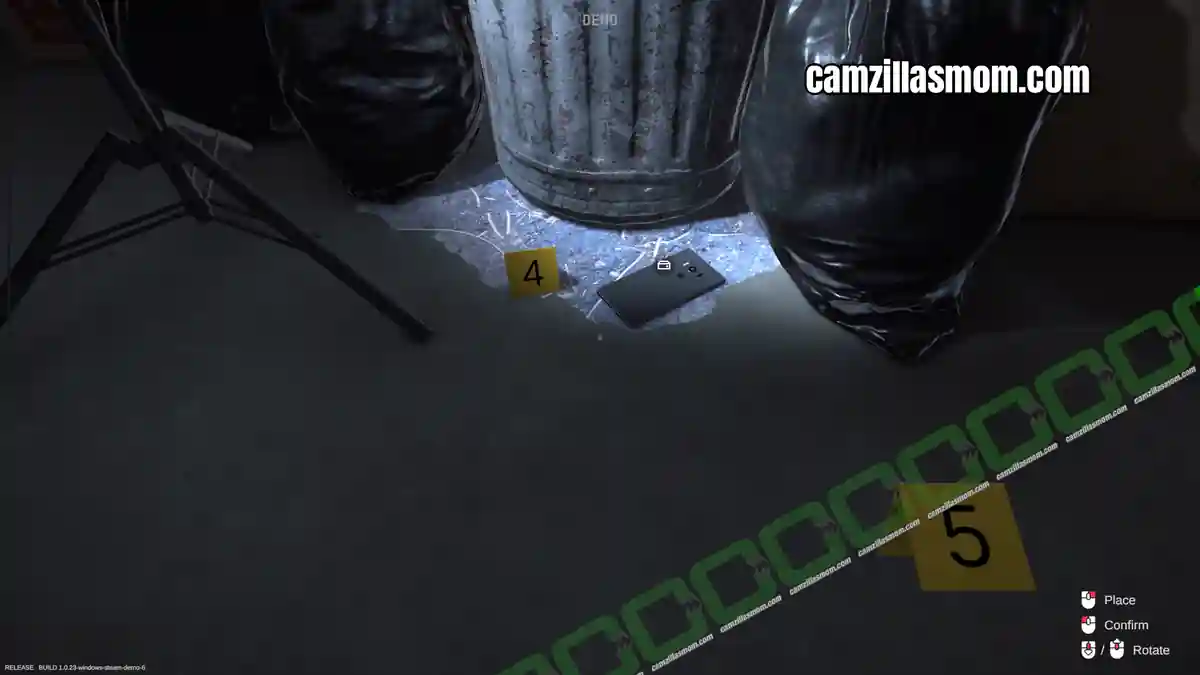
Evidence:
3 – Digital Device Smartphone – Korellia (Damaged)
4 – Digital Device Smartphone – Redleaf (Damaged)
Another phone is at the back to the right at the top of a cardboard box.
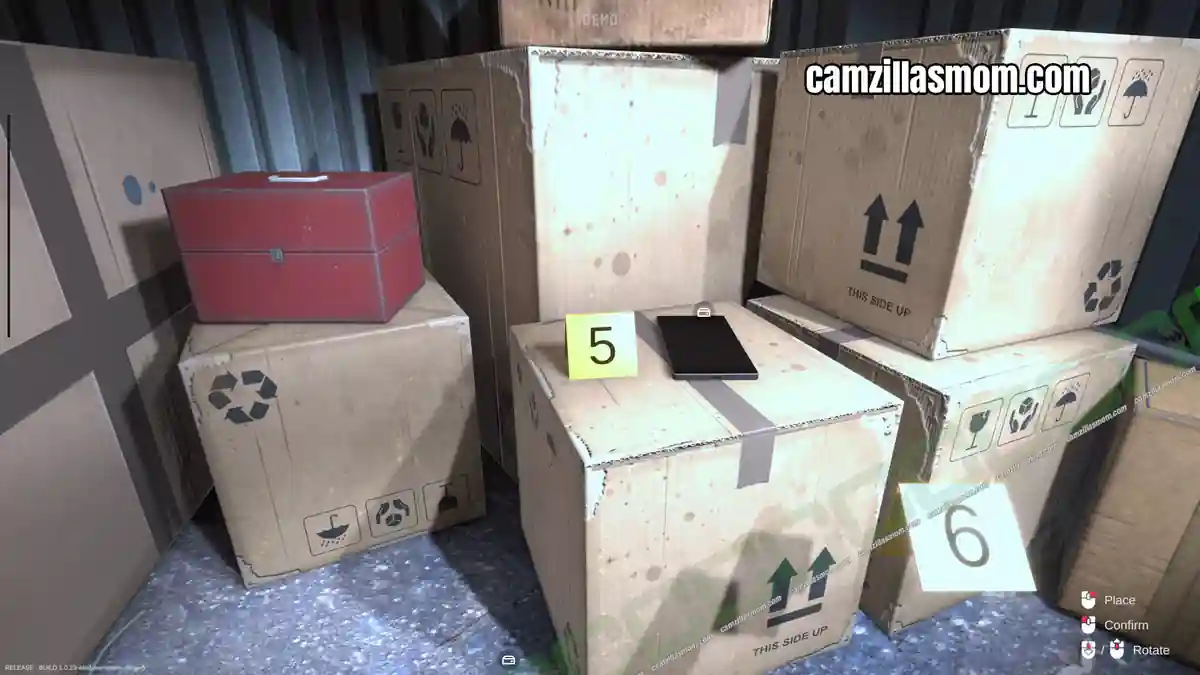
Evidence:
5 – Digital Device Smartphone – Orcha
Get the camera and take a photograph of all 5 pieces of evidence before picking them up.
Analyzing the Evidence
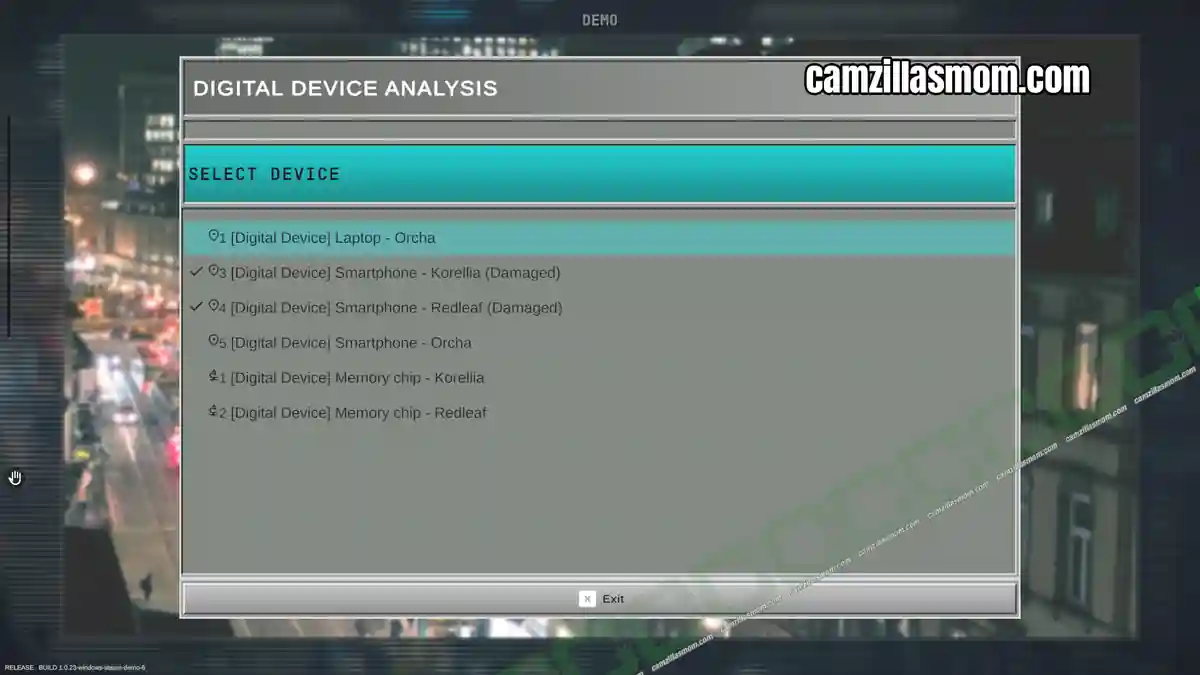
Return to the lab and start analysing the four devices.
Below is a screenshot of all device locations.
Personally, I always De-Solder the broken devices first (as learned in Tutorial 1). Two devices are damaged and need their memory chips removed:
3 – Digital Device Smartphone – Korellia (Damaged)
4 – Digital Device Smartphone – Redleaf (Damaged)
Then, you can decrypt all four digital devices together. The Laptop can be used with the found password. Don’t forget to export and pick up all four results.
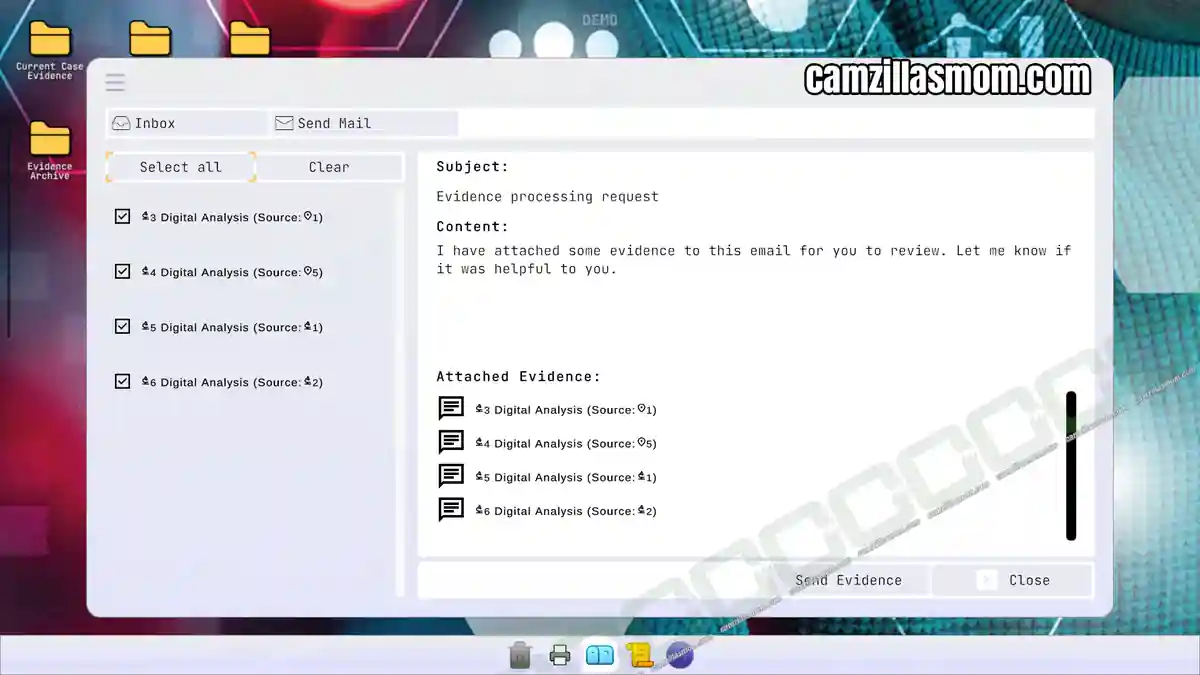
Interact with the e-mail computer to send off your evidence.


Forensics: Crime Scene Detective
Release: July 13th, 2016
Developer: Binary Impact, Alchemical Works
Publisher: Aerosoft GmbH
Official Website: https://store.steampowered.com/app/3765010/Forensics_Crime_Scene_Detective/