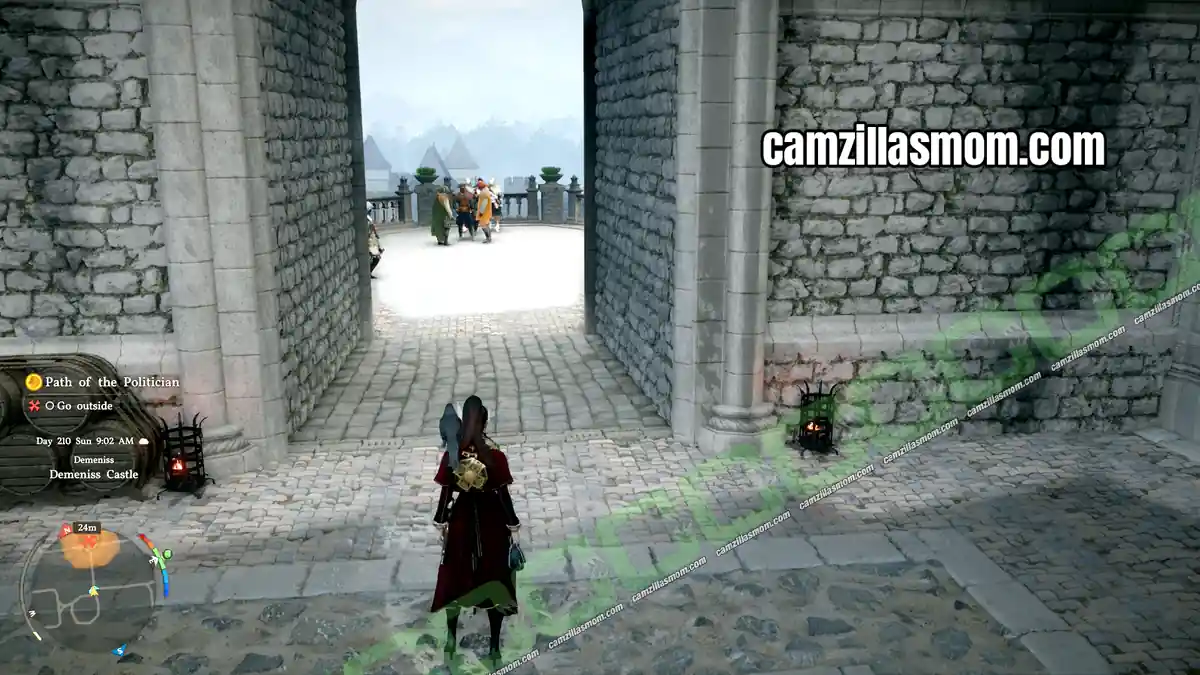
Renewed Vitality is a 2-quest questline in the Charting the Unknown DLC for Crimson Desert. You find it under Faction Quests in your journal, in the Charting the Unknown group of the Greymanes. House Alfonso is looking for someone to run the struggling Timberham Sawmill, so you take over the lease, hire the right comrades, choose the goods to sell and grow the sawmill to Popularity Lv. 3. This walkthrough covers both quests with the lease costs, staff, installables, goods bonuses and every Popularity reward.
Related Guides:
More at the Crimson Desert Hub
Both Renewed Vitality Quests
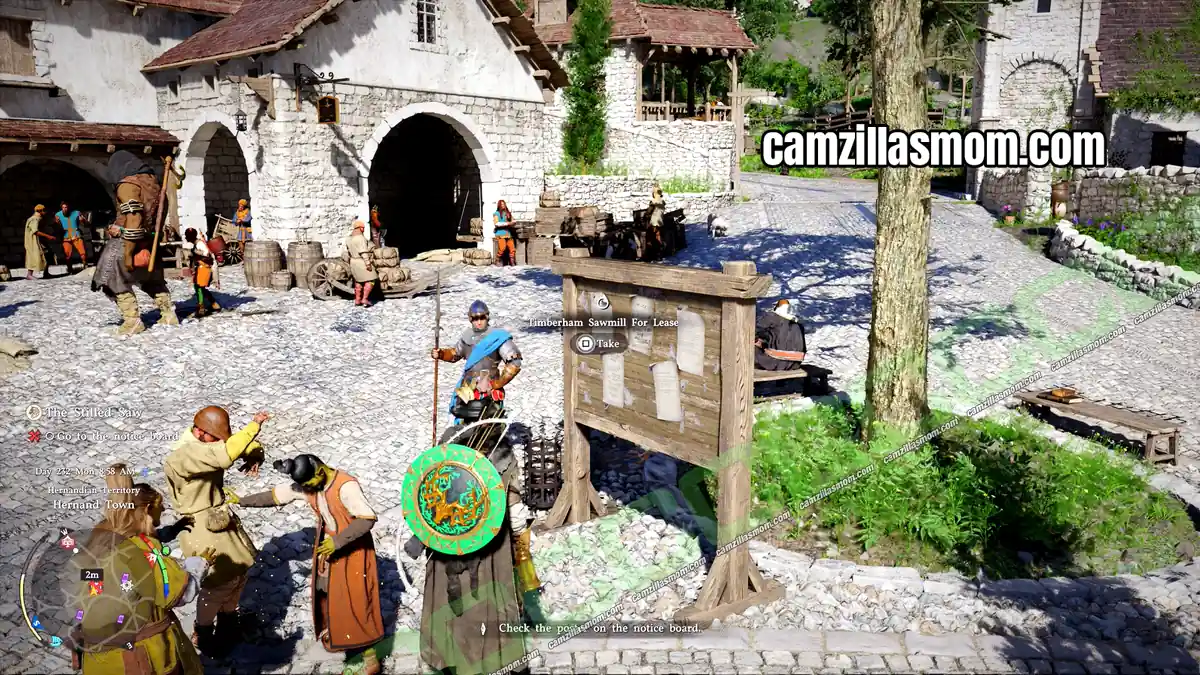
Hernand Notice Board
Take the lease poster
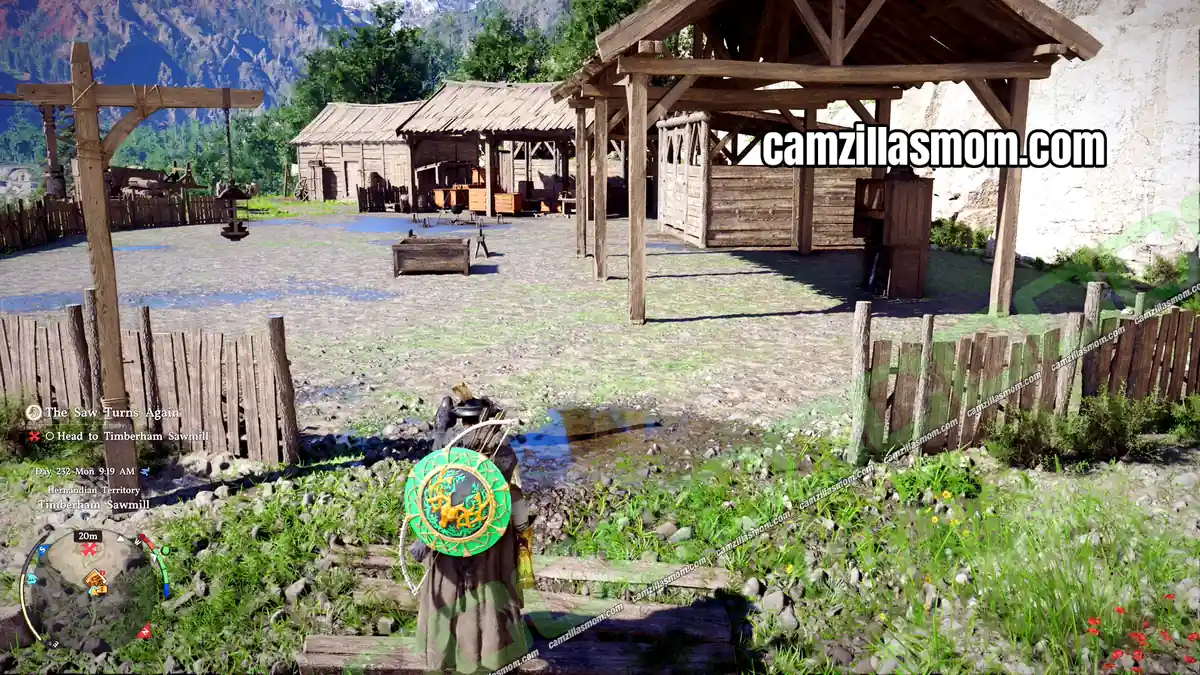
Timberham Sawmill
Reach Popularity Lv. 3
Total: 2 quests – The Courtesy of Waiting, Building with Planks, Dividing Spaces with Interior Doors and Architect’s Leather Gloves
1 – The Stilled Saw
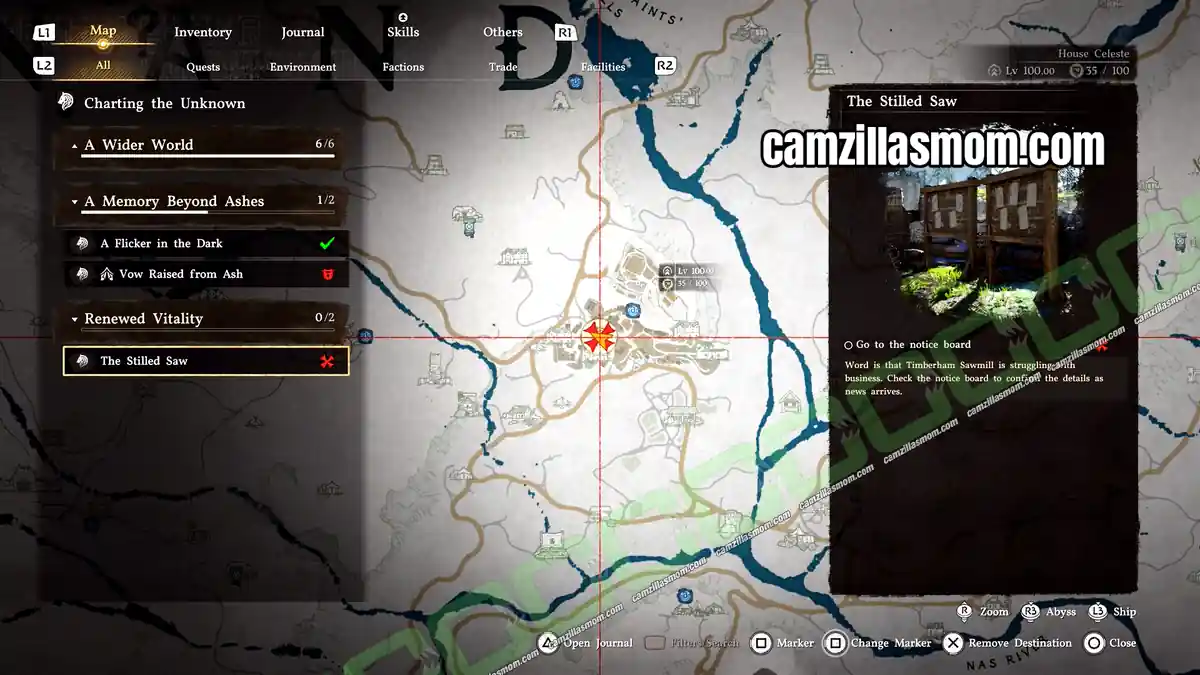
The Stilled Saw is the first quest of Renewed Vitality. Open your journal, go to Faction Quests and select the Greymanes, where Renewed Vitality is listed in the Charting the Unknown group. Word is that Timberham Sawmill is struggling with business, and the notice board should have the details.
Go to the Notice Board
This questline starts at the Hernand Notice Board in Hernand Town. Take the “Timberham Sawmill For Lease” poster from the board. House Alfonso is looking for a new manager for Timberham Sawmill, a historic site that works the timber of Hernand. Whoever faithfully tends to the house estate gets the management rights, whatever their background. The sawmill lies below the cliffs of Lioncrest Watchtower. Reading the poster adds it to your Knowledge and completes The Stilled Saw.
2 – The Saw Turns Again
Sign a Lease for Timberham Sawmill
The Saw Turns Again starts right after the poster, together with a tutorial on leasing. You can take charge of facilities across Pywel by signing a lease and paying for the contract with camp funds. A facility that runs well brings more funds into camp from the goods you craft and sell there.
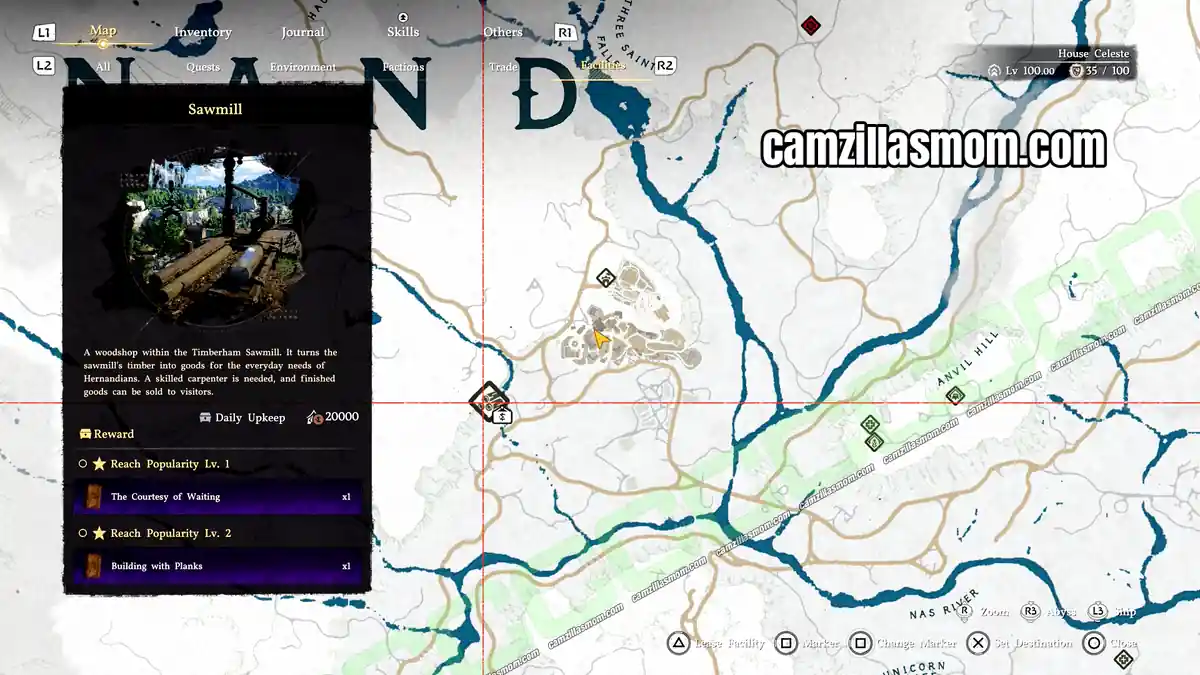
Open your map and switch to the Facilities tab. You can then see the Timberham Sawmill west of Hernand Town. Select it to see the details of the Sawmill, a woodshop that turns the sawmill timber into goods for the everyday needs of Hernandians. It has a Daily Upkeep of 20,000 and lists the Popularity rewards for levels 1 to 5. Press Triangle to lease the facility and confirm with X. The lease costs 15,000.
Head to Timberham Sawmill
Go to the Sawmill you just leased. Once you are near a facility you have leased, the Management menu becomes available, and the button for it is shown on screen. The menu has the options Open Shop, Manage Goods, Manage Staff, Place Installables, Change Name and Guides.

Manage Timberham Sawmill
To run the facility well, you have to look after the staff, the goods for sale and the installables together. Start with Manage Staff. This is a job for two comrades with the Crafting skill as Carpenters and one comrade with the Logging skill as Sawyer. If those three are assigned elsewhere, free them up from their current task and set up the shop properly with skilled workers. Comrades with higher skill levels cost more wages per day.
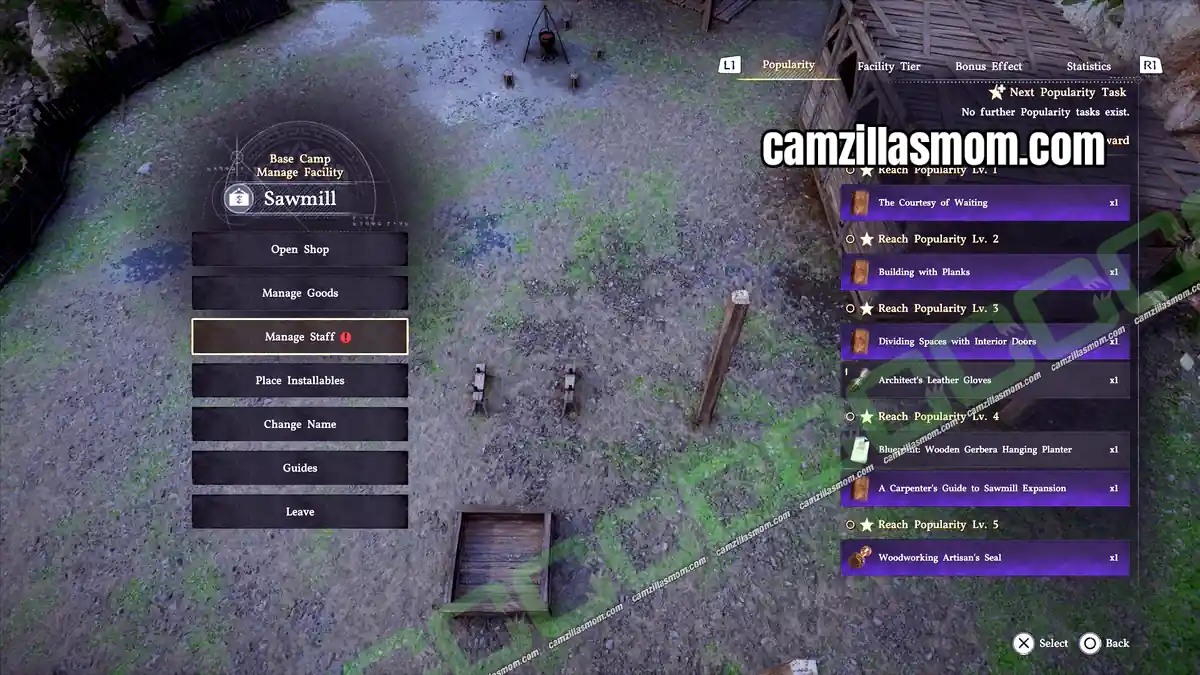
Then pick the product you want to produce and sell under Manage Goods. At the start, you can register two goods. Every product lists the installables it needs, and the sawmill already has the installables for the basic Wood goods, so their requirements show in green. The Wood goods range from the Liquor Bottle at 414 to the White Wood Bow at 1,309, and you can change each price with the D-pad. We started with the Portable Wooden Container.
Every product has tags, and selling several goods with the same tag gives you a bonus:
Wood: 1/2/3 goods raise their price by 15/30/45%
Plank: 2/3/4/6 goods raise their price by 10/20/30/40%
Cabinet and Furniture: 1/2/3/4 goods raise their satisfaction rate by 10/25/50/70%
Weapons: 1/2/3 goods raise customer patience by 20/40/70%
Simple: 1/2/3 goods raise work speed by 10/20/30%
Practical: 2/3/4 goods raise Popularity by 1/2/3
Classic: 2/3/4 goods raise the special guest visit chance by 10/20/30%
Premium: 2/3/5 goods raise customers by 10/20/30%
Place Installables is where you furnish the facility. You need to know the recipe of an installable before you can place it, and placing it costs Camp Provisions. The skill points of your installables and the comrade skill bonus together set the facility tier, and higher tiers improve customer satisfaction. The Sawmill installables are in the Special | Management Facility tab. The product requirements use different names than the installables:
Timber Storage: Timber Storage, 6,000 provisions, 600 upkeep
Wooden Rack: Crude Wooden Stand, 2,300 provisions, 230 upkeep
Timber Box: Crude Timber Box, 2,100 provisions, 210 upkeep
Workstation: Crude Workstation, 4,000 provisions, 400 upkeep
Plank Workbench: Crude Plank Workbench, 2,800 provisions, 280 upkeep
Plank Box: Crude Plank Box, 2,400 provisions, 240 upkeep
Standing table: Waiting Table, 2,000 provisions, 200 upkeep
Open the Timberham Sawmill Shop
Once your staff and goods are set, select Open Shop in the Management menu. Customers now visit your facility. A pleased customer raises your Popularity, while one who leaves unhappy or empty-handed lowers it. Once your Popularity reaches a certain point, the Popularity level rises and more customers come.
Reach Popularity Lv. 1 and Lv. 2
Popularity Lv. 1 comes with the first paying customers and rewards The Courtesy of Waiting. The Popularity tab of the Management menu then lists three tasks for Lv. 2: activate wood combo level 2, place a standing table and satisfy customers 3 times. For the wood combo, register a second Wood product under Manage Goods. The standing table is the Waiting Table under Place Installables. After that, the Popularity bar fills up slowly with paying customers.
Popularity Lv. 2 lets you place 1 more Carpenter and 1 more Sawyer and register 1 more item for sale, and rewards the Building with Planks book. Fill the new staff slots with comrades with the Crafting and Logging skills.
Reach Popularity Lv. 3
The tasks for Lv. 3 are: read Building with Planks, place a plank workbench, place a plank box and sell plank goods 10 times. Scroll through the whole book, because it teaches two recipes on separate pages, the Crude Plank Workbench and the Crude Plank Box. Place both under Place Installables. To keep the materials flowing, place one Crude Plank Workbench and one Crude Wooden Stand for every Sawyer you employ.
With the plank installables in place, the game adds the Adorned Storage, a Plank and Cabinet product, to your goods for you. The Plank goods, from cabinets and tables to beds, chairs and shields, need the Plank Workbench and Plank Box. Keep the shop open until you have sold plank goods 10 times and the Popularity bar fills up.
Popularity Lv. 3 lets you register 1 more item for sale and rewards Dividing Spaces with Interior Doors and the Architect’s Leather Gloves. Reaching Lv. 3 completes The Saw Turns Again and the Renewed Vitality questline.
Your Sawmill keeps operating even when you are not nearby, and customers continue to bring you income and Popularity. Popularity Lv. 4 and Lv. 5 are optional, but they unlock more staff, more goods slots, upgraded installables and the Woodworking Artisan’s Seal.
Reach Popularity Lv. 4 (Optional)
After Lv. 3, Popularity only goes up by 0.1 with every sale, so reaching Lv. 4 and Lv. 5 takes a lot longer. The tasks for Lv. 4 are: reach the Premium facility tier, satisfy customers 30 times and sell furniture 50 times.
Once you reach Lv. 3, switch your goods under Manage Goods to Furniture products only, so you fill the 50 furniture sales faster. Make sure each product has the Furniture tag. Cabinets such as the Adorned Storage only have the Cabinet tag and do not count towards the 50.
Popularity Lv. 4 lets you place 1 more Carpenter and register 2 more items for sale, and rewards the Blueprint: Wooden Gerbera Hanging Planter and A Carpenter’s Guide to Sawmill Expansion.
Read A Carpenter’s Guide to Sawmill Expansion and scroll through all of its pages, because it teaches five upgraded installables: the Sturdy Wooden Rack, Sturdy Timber Box, Sturdy Workstation, Precision Plank Workbench and Sturdy Plank Crate. The book advises adding workstations before you hire more Carpenters and keeping a plank crate next to each plank workbench.
Reach Popularity Lv. 5 (Optional)
The tasks for Lv. 5 are: place 3 workstations, activate furniture combo level 3, satisfy customers 50 times and welcome a special guest once. Selling 3 Furniture goods covers the combo, and Classic goods raise the special guest visit chance.
Popularity Lv. 5 is the maximum level. It lets you register 2 more items for sale, rewards the Woodworking Artisan’s Seal and completes the A Thriving Business challenge. Use the seal from the Others tab of your inventory. It permanently reduces the materials consumed when you craft at a workstation.
More Crimson Desert Guides

Crimson Desert: Secure Resources Quest Walkthrough
Crimson Desert Secure Resources walkthrough: send comrades to gather timber and stone at Timberham S…

Crimson Desert: Seed of Unease Quest Walkthrough
Crimson Desert Seed of Unease walkthrough: track the Reed Devil, reach the altar, and complete the q…

Crimson Desert: Serge’s Request Quest Walkthrough
Crimson Desert Serge’s Request walkthrough: deliver the trading post’s message to the Goldleaf Guild…

Crimson Desert: Shattered Charmed Life Quest Walkthrough
Crimson Desert Shattered Charmed Life walkthrough: follow Yann, reach Goldleaf Trading Post, and unl…

Crimson Desert: Shattered Ties Questline Walkthrough
Walkthrough for the Shattered Ties questline in Crimson Desert. One of four Chapter 9 questlines – f…

Crimson Desert: Six Statues and the Beast Questline
Walkthrough for Six Statues and the Beast in Crimson Desert. One of four Chapter 9 questlines – repa…


About Crimson Desert
Release: March 19, 2026
Developer: Pearl Abyss
Publisher: Pearl Abyss
Official Website: https://crimsondesert.pearlabyss.com/en-US/Main